TikTok Profile Viewer
TokViewr’s TikTok profile viewer opens any public profile in your browser — exact follower and like counts, the full video grid, reposts, followers and following — without logging in. It doubles as a TikTok account viewer.
- Anonymous viewing
- No TikTok login
- No app to install

How to use the TikTok profile viewer
01Enter a username
Type an @handle or paste a profile link from the TikTok app or website.
02Open the profile
The public profile loads with exact stats, bio, avatar and the full video grid.
03Switch tabs
Move between Videos, Reposts, Following and Followers without leaving the page.
View a TikTok profile without logging in
You can look up a TikTok account without having one. Type the username into the TikTok profile viewer above and the public profile opens on tokviewr.com — bio, avatar, counts and videos — with no login, app or browser extension.
Because you never sign in to TikTok here, the visit is not tied to an account and does not appear in the creator’s profile view history, which only records signed-in viewers. TokViewr is a third-party viewer, so normal website logs still apply to tokviewr.com itself.

Exact numbers instead of rounded labels
The app rounds counts to labels such as 52.4K or 1.2M. The profile viewer shows the full reported number for followers, following, total likes and public videos, which matters when you compare accounts or track growth week to week.
- Exact follower and following counts
- Total likes across the account
- Public video count and per-video plays, likes, comments, shares and saves

What the TikTok profile viewer shows
One page holds everything a public profile exposes. Each tab loads only when you open it, and every video opens in the TokViewr video player with its comment section underneath.
| Tab | What you see |
|---|---|
| Videos | Every public post with plays, likes, comments, shares and saves |
| Reposts | Videos the account reposted, when TikTok makes them public |
| Following | Accounts this profile follows |
| Followers | Accounts that follow this profile |
| Profile picture | The avatar in full size, ready to download |

Compare TikTok accounts side by side
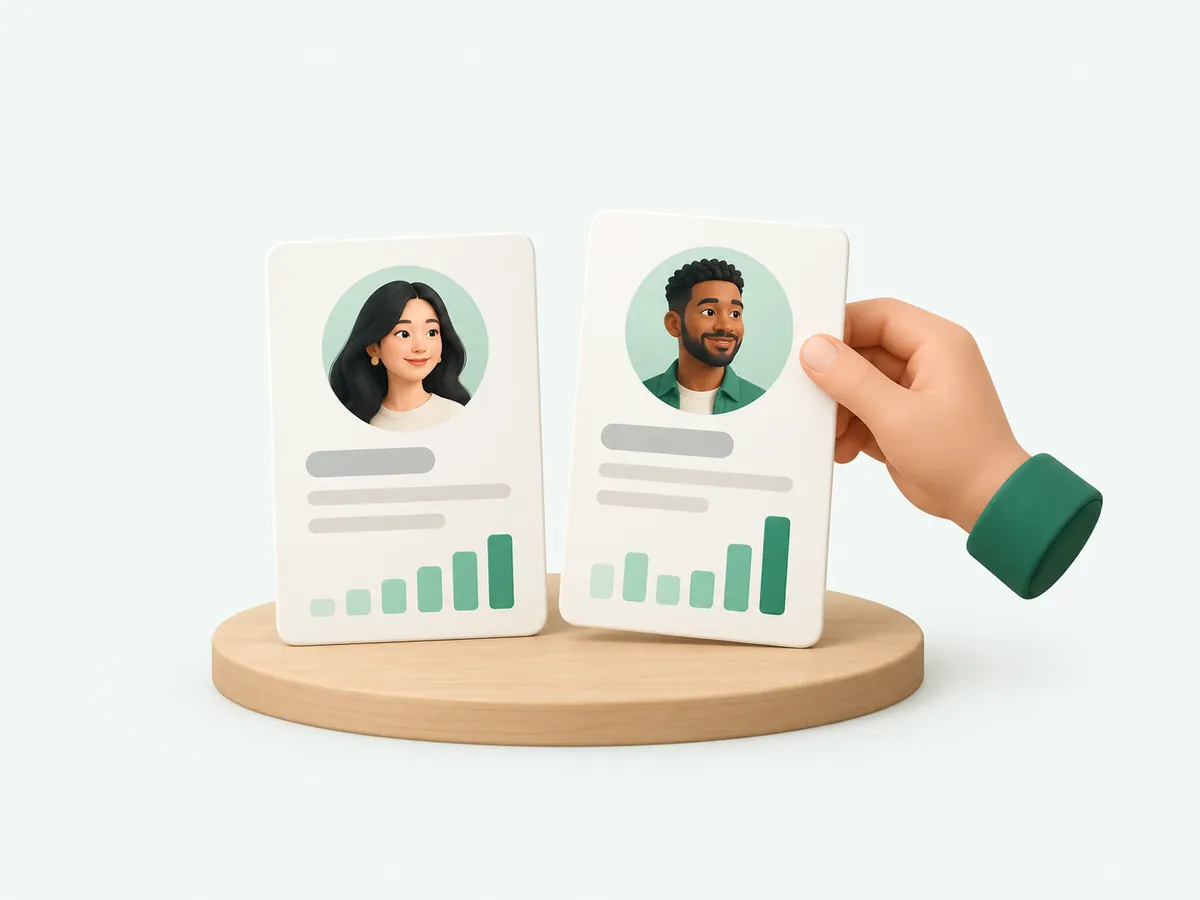
Open two accounts in separate tabs to compare audience size, engagement per video and posting rhythm. Marketers use a TikTok account viewer to benchmark competitors before a campaign; creators use it to study accounts that grew in their niche.
Need the people behind the numbers? Export a follower or following list to CSV or Excel from the account page. Each exported row costs one credit, and new accounts get 100 rows to start.
Why a TikTok profile may not load
The profile viewer only shows public data. If a profile does not load, one of these is usually the reason:
- The account is private: only approved followers can see its videos
- The username changed: search the new @handle instead
- The account was banned, deleted or is not available in your region
- Reposts or follow lists are hidden by the account’s privacy settings

Who uses a TikTok profile viewer
Most lookups come from people doing a quick check rather than spying: a brand vetting a creator before a paid post, a parent seeing what an account shares publicly, a journalist confirming who is behind a viral clip, or a creator studying a rival who grew faster.
Each of those jobs needs the same few facts, side by side and accurate: how big the audience really is, how often the account posts, which videos travel and who it interacts with. That is what the profile page is built around.

Check a TikTok profile before you work with it
Before you pay a creator, quote them or partner with them, spend two minutes on their public profile. Divide the total likes by the number of videos to get likes per video, then compare that with the follower count. Accounts with a large following but very few likes per post often bought followers or lost their audience.
Then open the Videos tab and look at the most recent posts rather than the pinned hits. A healthy account keeps getting views on new uploads; an account living on one old viral video does not.
- Likes per video far below 1% of followers on most posts
- Sudden jumps in follower count with no viral video to explain them
- A follower list full of empty, look-alike accounts
- Comments that are generic, repeated or unrelated to the video

Keep an eye on a TikTok account over time
Every profile has its own address on TokViewr, so you can bookmark it and come back. Counts are refreshed from public data at most a few hours apart, which is enough to follow a launch, a campaign or a creator’s growth week by week.
For a record you can compare later, note the numbers in a sheet on a fixed day, or export the follower list as a dated CSV snapshot.