TikTok Repost Viewer
Enter a username in TokViewr’s TikTok repost viewer to see the videos a public account has reposted — no account, app or extension.
- Anonymous viewing
- No TikTok login
- No app to install

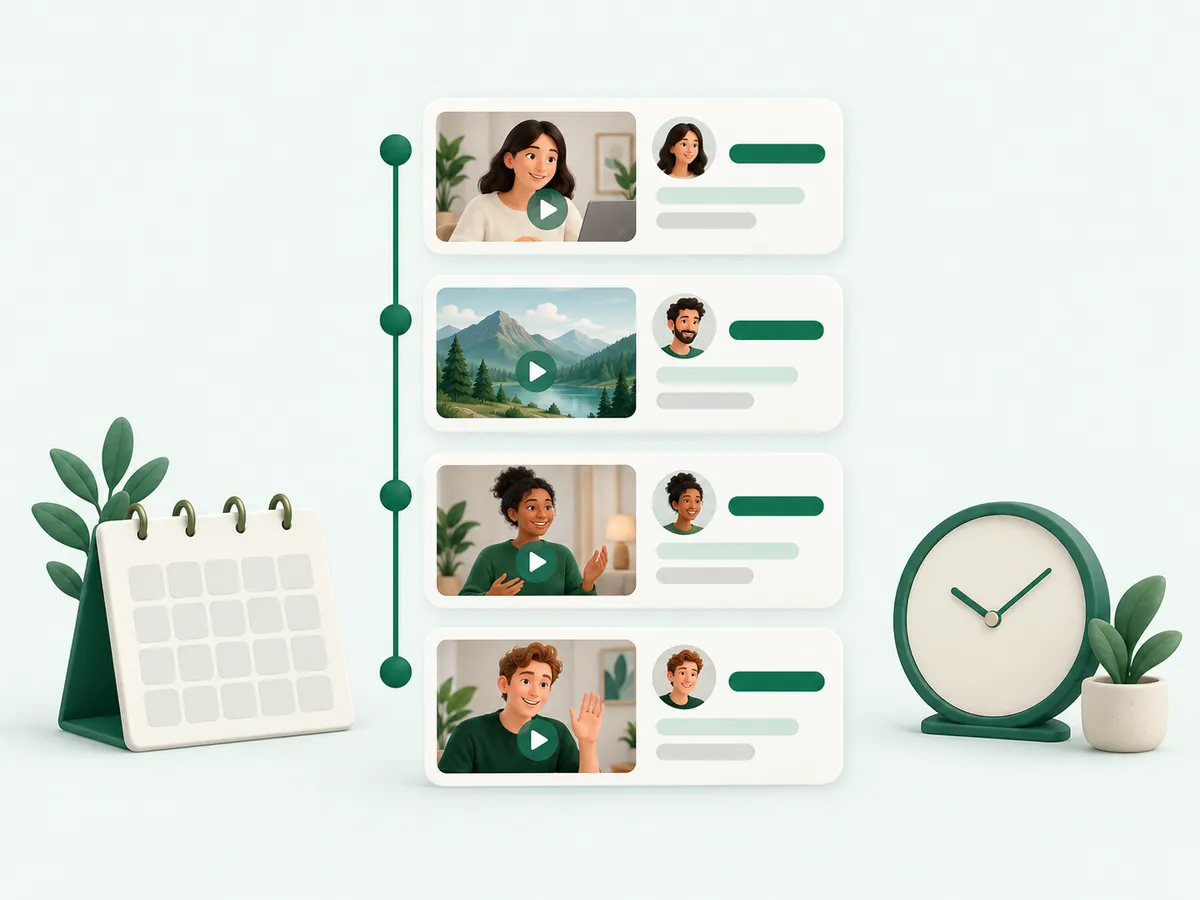
How to see someone’s reposts on TikTok
01Enter the username
Type the @handle or paste the profile link.
02Open the Reposts tab
The account opens straight on the videos it has reposted.
03Watch any repost
Each repost opens in the video player, credited to its original creator.
What a TikTok repost is
A repost shares someone else’s video with your followers without posting it on your own grid. The app keeps reposts in a separate Reposts tab on the profile, and on the web that tab usually needs a login. The TikTok repost viewer shows it on tokviewr.com without one.
See TikTok reposts anonymously
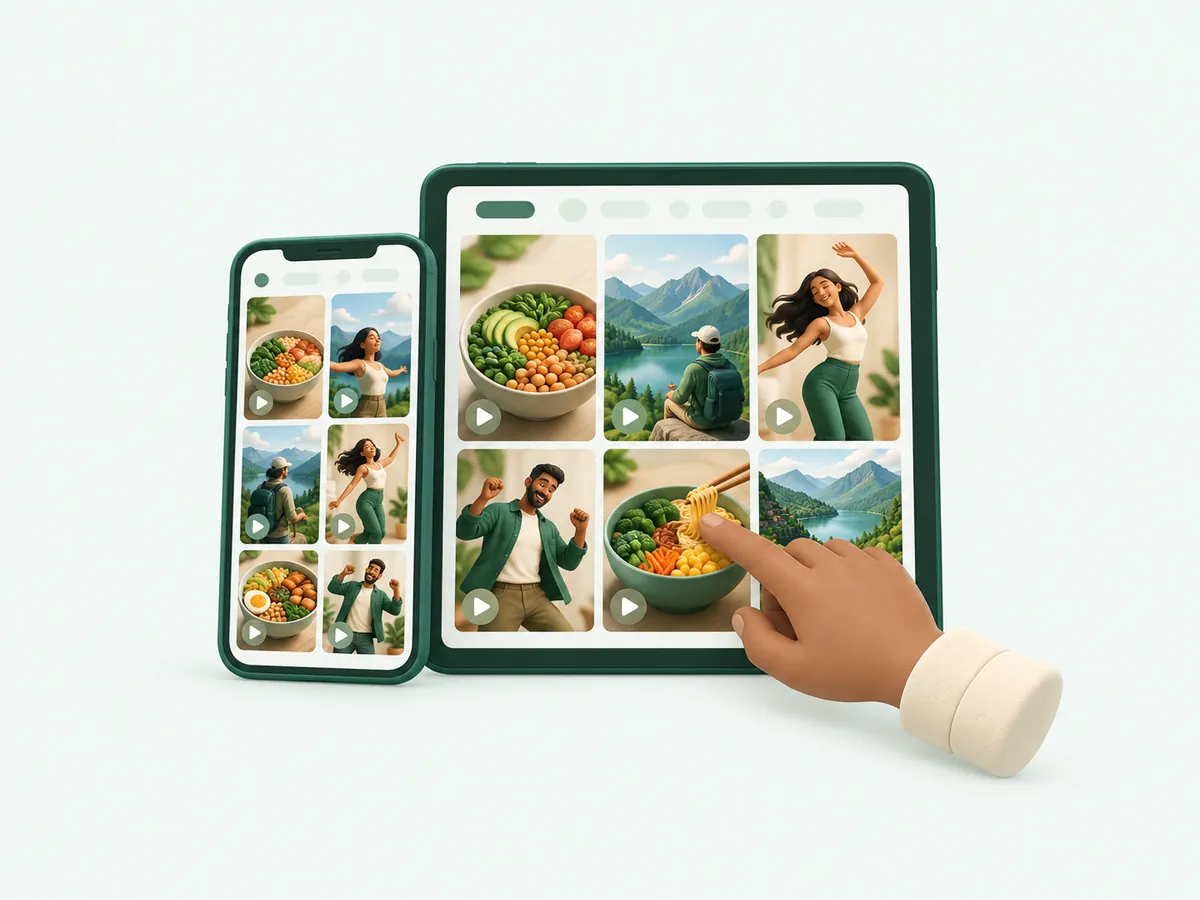
You never sign in to TikTok on TokViewr, so checking someone’s reposts is not linked to your account. Reposted videos play in the TokViewr video player with their comments, and each one links to the creator who originally posted it.

What reposts tell you about an account
Reposts are a quieter signal than posts: they show what someone liked enough to share. For brands and researchers they reveal which trends an account amplifies; for creators they show which of your videos get passed on.
- Trends and sounds an account is pushing
- Creators an account regularly supports
- Whether your own video was reposted by a bigger account

Why TikTok reposts may not show
The TikTok repost viewer can only show public reposts:
- The account is private
- The account has hidden its Reposts tab in its privacy settings
- The account has not reposted anything yet
- A reposted video was deleted or made private by its creator

More from the same TikTok account
Reposts sit next to the account’s own Videos, Following and Followers tabs. Switch tabs to see the full public picture, or use the TikTok profile viewer for exact stats.
Reposts vs likes and favorites
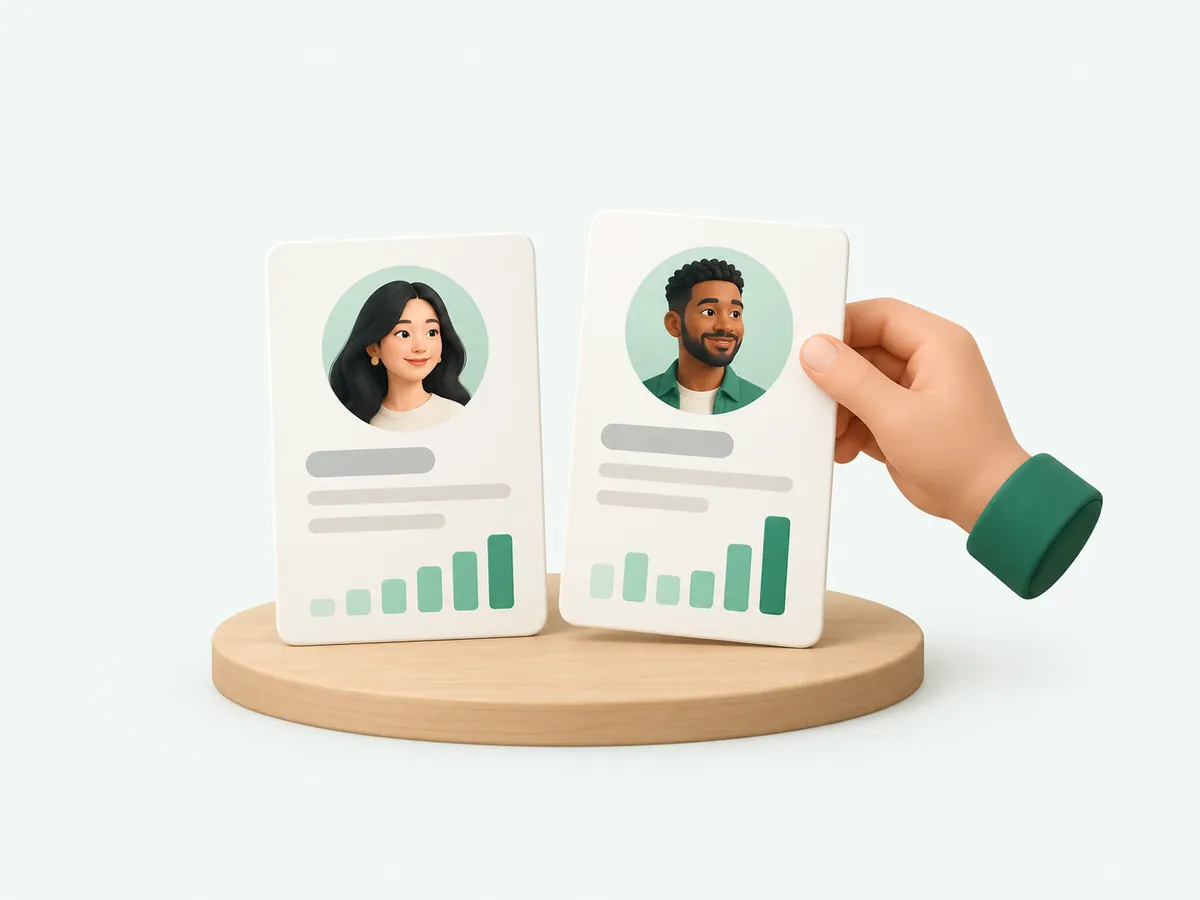
A like is private feedback to the algorithm, a favorite is a personal bookmark, and a repost is a public share to followers. Only reposts appear in a dedicated public tab, which is why they are the most reliable view into what an account actively promotes.
Liked videos are hidden by default for most accounts, so a repost list is often the only public record of what someone enjoys watching.
How reposts work in the TikTok app
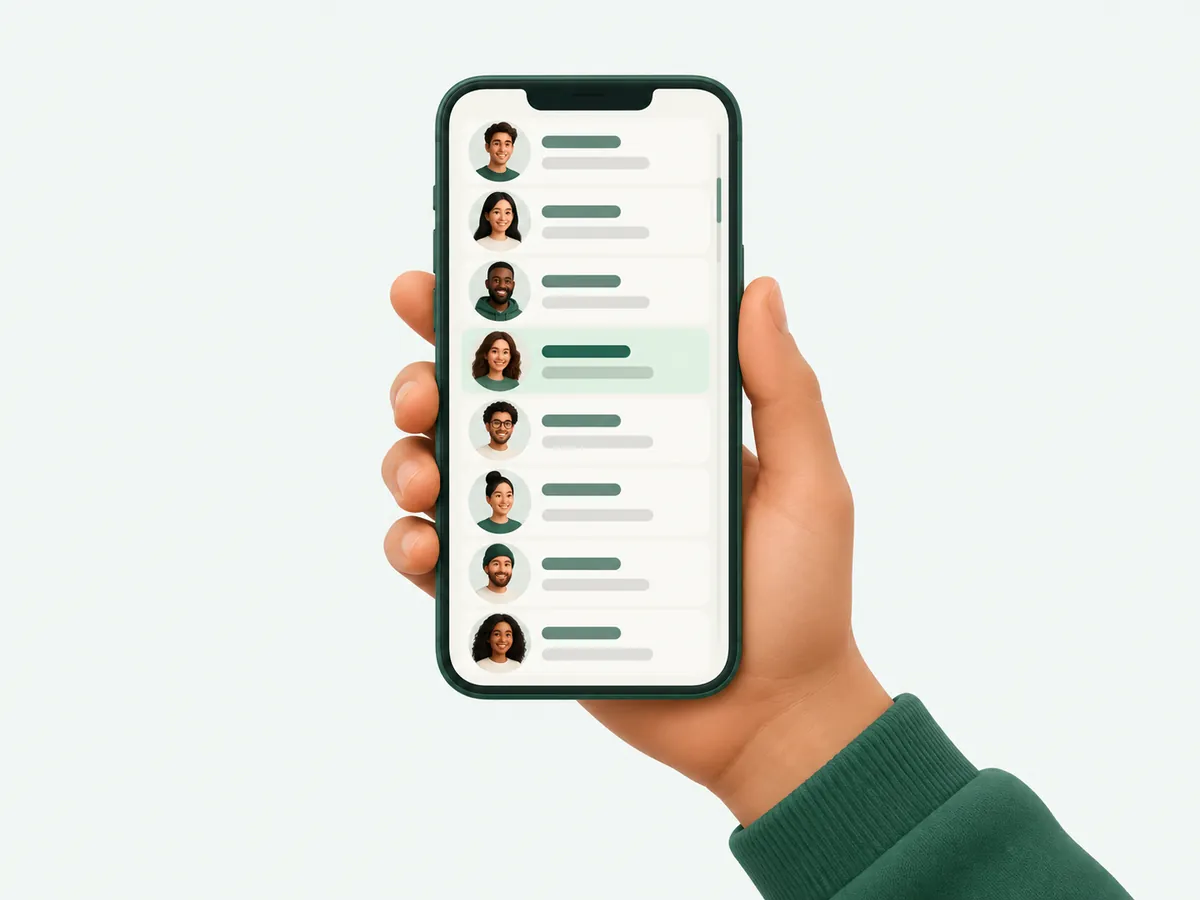
In the app, the Repost button sits in the Share menu of a video. Tapping it shares the video with the reposter’s followers and adds it to their Reposts tab; tapping it again removes the repost.
Whether other people can see that tab depends on the account’s privacy settings. When reposts are public, the TikTok repost viewer lists them on tokviewr.com; when they are hidden, nobody outside the account can see them.

Use TikTok reposts for trend research
Reposts move faster than original posts. When several accounts in one niche repost the same video, a trend is forming before it shows up as a hashtag. Checking the Reposts tab of a few leading creators each week is a cheap way to see what is about to spread.
Brands can use the same view to see whether their videos are being passed on by the creators they care about, and creators can check whether a bigger account shared their work.

Repost viewer on phone and desktop
The TikTok repost viewer works in any modern browser. On a phone, paste a profile link from the TikTok app’s Share menu; on a computer, type the @handle. Reposted videos open in the same player as every other TokViewr video, with their comments underneath.
Reposts, stories and posts: where each one lives
A TikTok account publishes in three places. Posts stay on the Videos grid until the creator deletes them. Stories last 24 hours. Reposts are other people’s videos shared to followers and kept in their own tab.
On TokViewr all three sit side by side on the same profile page: Videos, Reposts and Stories are tabs next to each other, so you can see everything an account published or shared without switching tools.