TikTok PFP Viewer
Enter a username in TokViewr’s TikTok PFP viewer to open any public profile picture in full size and download the original image without a TikTok login.
- Free Google sign-in
- No TikTok login
- No app to install
Updated
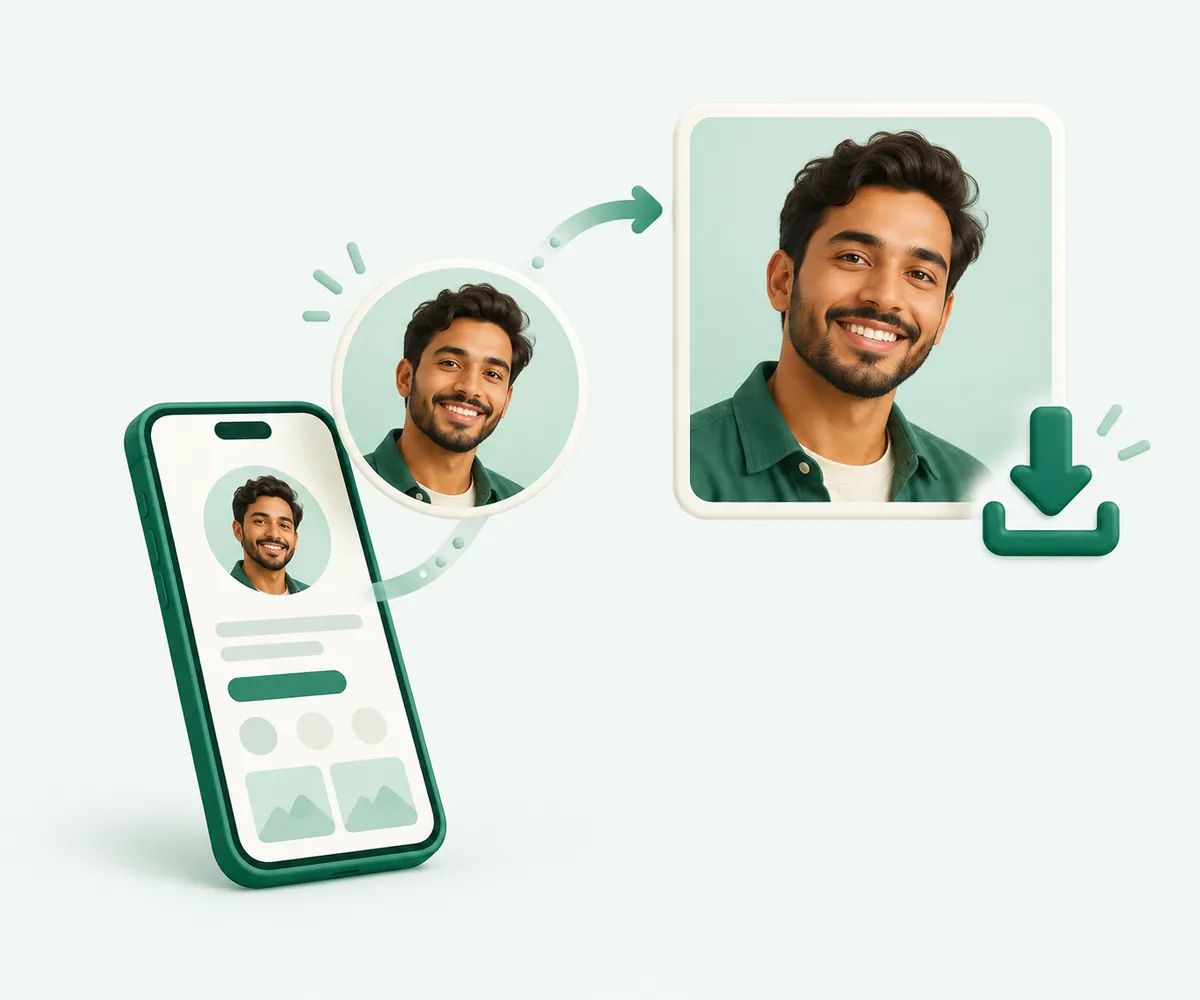
How to use the TikTok PFP viewer
01Enter the username
Type the @handle or paste the profile link.
02Open the full image
Press “View Full Image” under the avatar on the profile page.
03Download it
Save the full-size picture as a file with one click.
See a TikTok PFP in full size
The app only shows a PFP as a small circle, and there is no way to enlarge them in the app. The TikTok PFP viewer loads the largest stored version, so you can see the photo as it was uploaded instead of a cropped thumbnail.
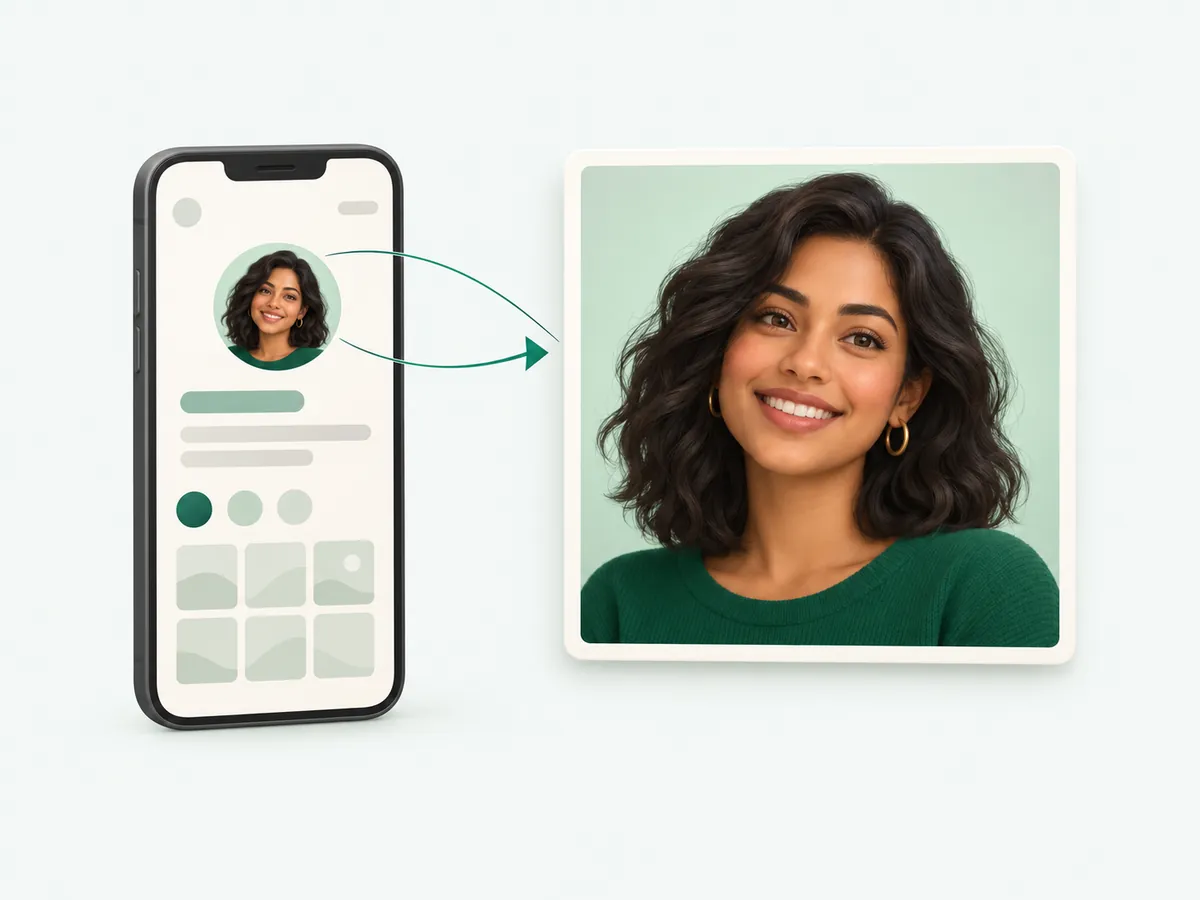
Download a TikTok PFP in HD
Press Download and the full-size image saves to your device as a regular image file. TokViewr passes the picture through exactly as TikTok serves it: no watermark, no recompression, no crop.
Because nothing is resized on the way, the download is the largest version of the picture TikTok makes available.

No TikTok account, no trace
You do not sign in to TikTok to use the PFP viewer, and opening someone’s PFP sends no notification. It works on phones, tablets and computers without an app.
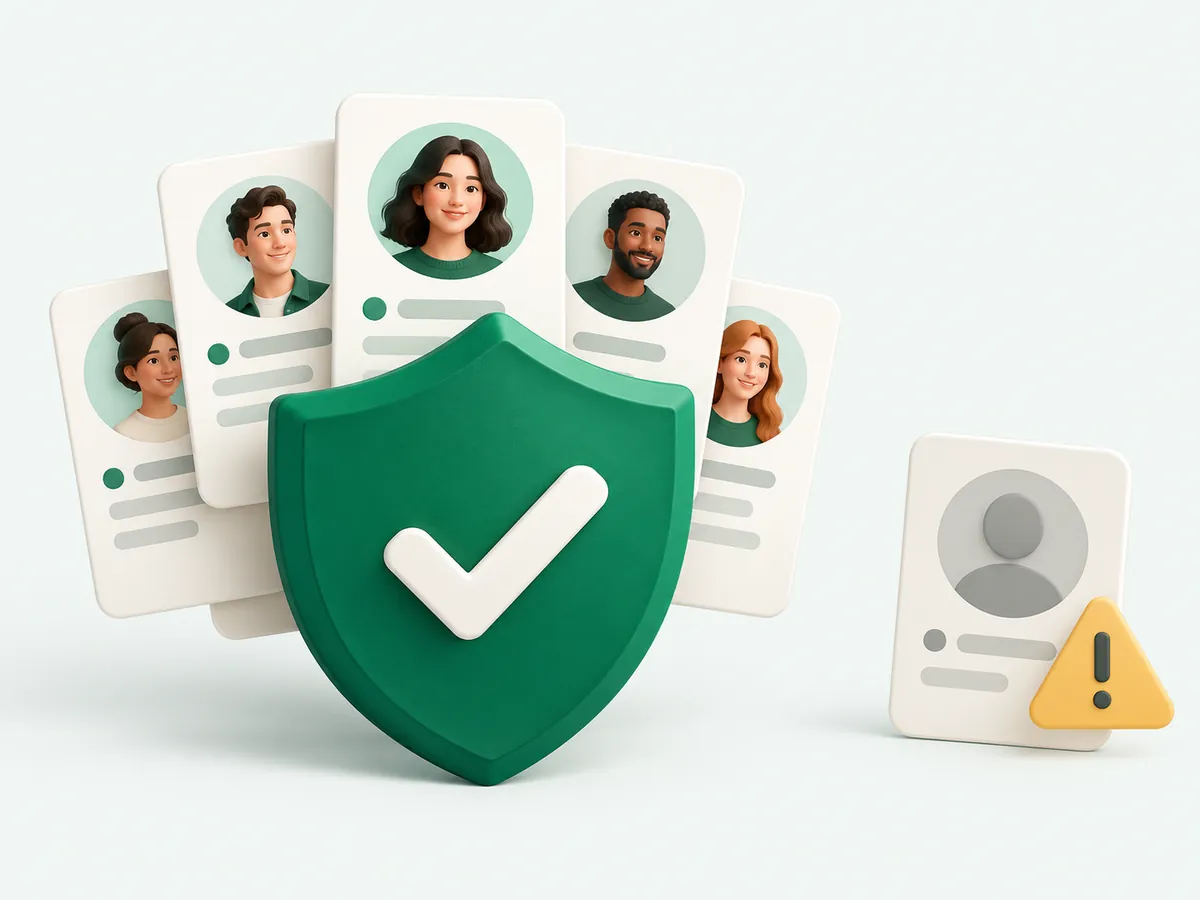
Good reasons to view a TikTok avatar
People use the TikTok PFP viewer to check that an account is who it claims to be, to spot impersonators reusing someone else’s photo, to grab their own old PFP, or to study how creators in a niche brand themselves.
Every PFP belongs to its owner. Use downloaded images for reference and verification, not to impersonate anyone or republish their photo.
Why a TikTok PFP will not load
The account may be banned or deleted, the username may have changed, or the account may use TikTok’s default avatar. Private accounts still have a public PFP, so it usually loads even when their videos do not.
Spot fake accounts by their PFP
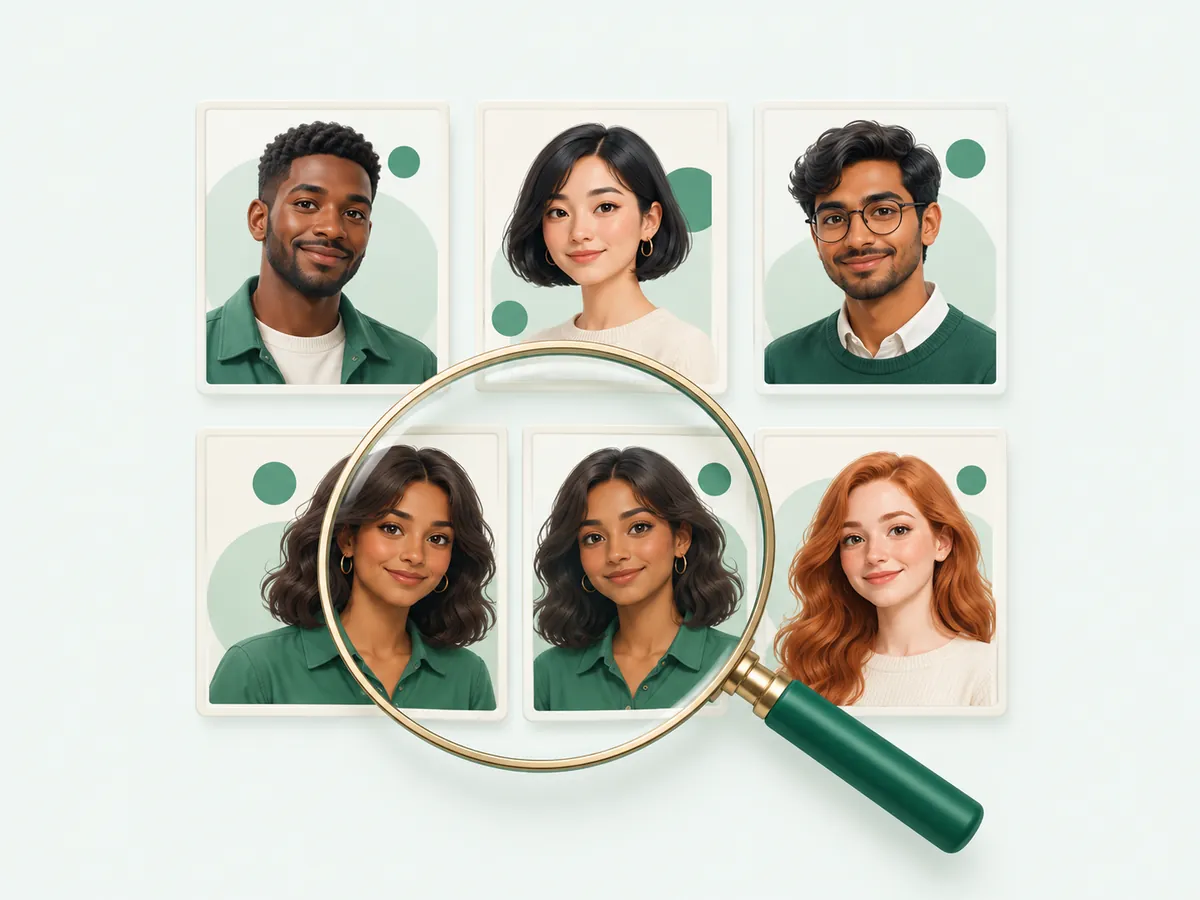
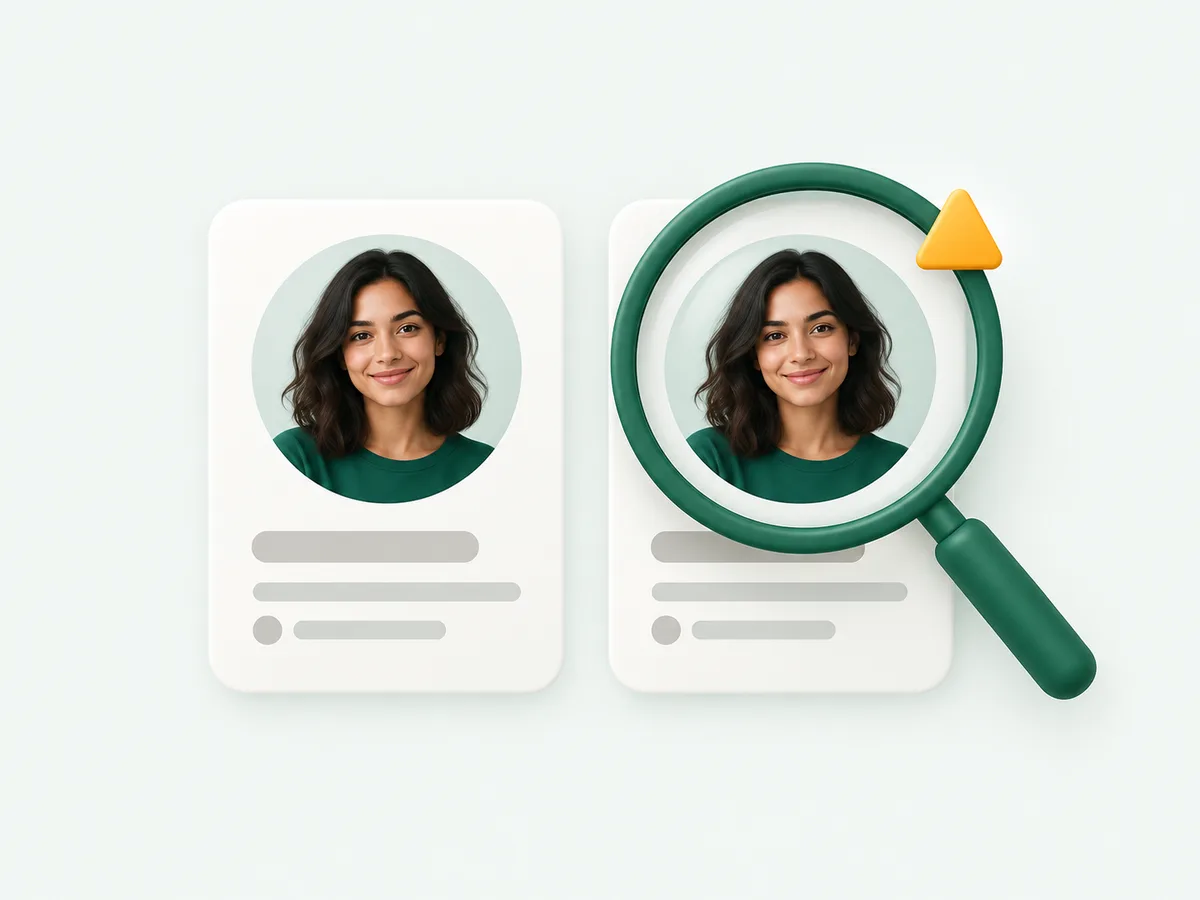
Impersonators often copy a real creator’s photo. Open the suspicious account’s picture in full size, then compare it with the original account: a blurry, cropped or re-compressed copy of the same photo is a common sign of a fake.
You can also save the full-size image and run a reverse image search to find where else the same photo appears online.
Why the full-size TikTok PFP looks different
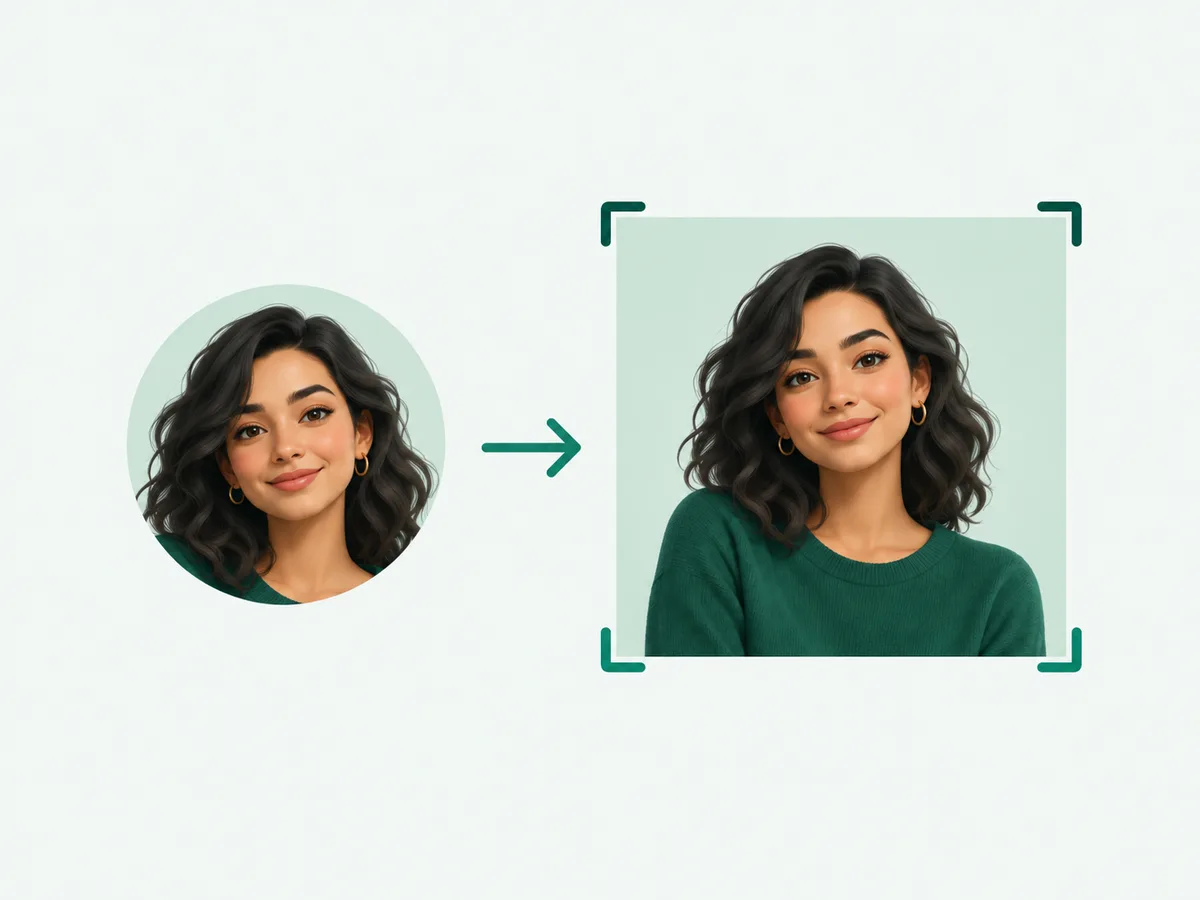
The app crops every profile photo into a small circle, which hides the corners and shrinks the detail. The TikTok PFP viewer shows the image uncropped, so you often see parts of the photo the circle never showed, such as text, a logo or the background.
That uncropped view is also the best version for checking whether two accounts use the same photo.
Save your own TikTok PFP before you change it
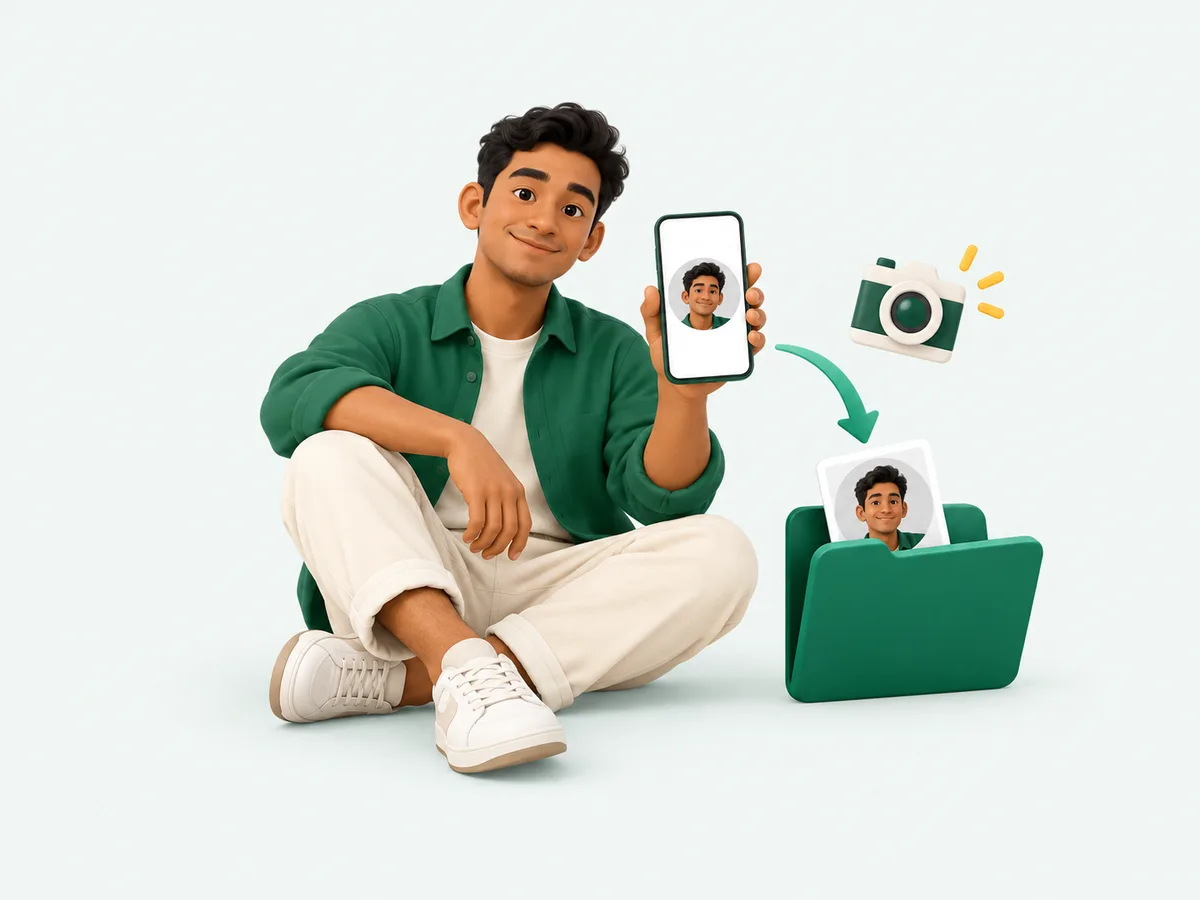
TikTok does not show earlier profile pictures: once you upload a new one, the previous photo disappears from your profile. If you like your current picture, open it in the TikTok PFP viewer and download the full-size file first, so you can switch back later.
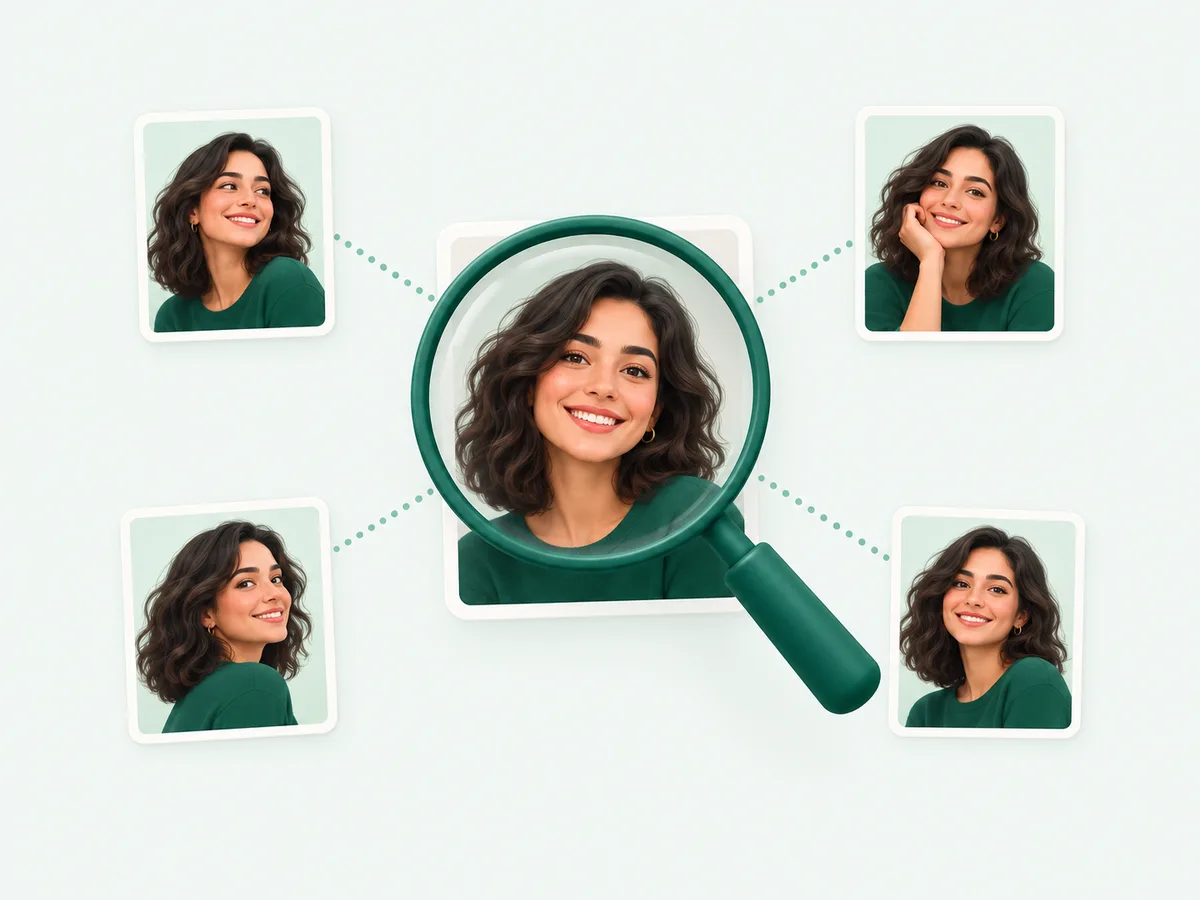
Check a TikTok PFP with reverse image search
A profile photo that also appears on stock sites or on someone else’s accounts is a red flag for a fake profile. The full-size download gives search engines the best chance to find matches.
- Open the profile picture in full size and press Download
- Upload the file to Google Lens or another reverse image search
- Look for the same photo under other names or on stock sites
- Compare with the account the photo really belongs to
What a TikTok PFP says about an account
Brands use a logo, creators usually use a clear face or a recognisable character, and spam accounts often have no picture at all or a generic stock photo. Looking at the full-size image is a quick first check before you open the rest of the profile.
The default grey avatar is not a red flag on its own, but combined with an empty profile and a random username it usually means a new or throwaway account.