TikTok Follower Viewer
Enter a username in TokViewr’s TikTok follower viewer to see who follows any public account — handles, names and verification, without a TikTok account.
- Free Google sign-in
- No TikTok login
- No app to install
Updated

How to see someone’s TikTok followers
01Enter the username
Type the @handle or paste the profile link.
02Open the Followers tab
The account opens straight on its public follower list.
03Scroll or export
The first 60 followers load free; a one-time pack unlocks the full list and the export.
See TikTok followers without a TikTok account
On the web, the platform usually asks you to log in before it shows a follower list. The TikTok follower viewer opens the public followers of any account on tokviewr.com instead: each follower’s @handle, display name, avatar and verified badge, with a link to their own profile.
You never sign in to TikTok here, so looking at someone’s followers is not linked to your account.

Understand why a TikTok account is growing
A follower list tells you who an account actually reaches. Real accounts from one niche usually mean an engaged audience; a list full of empty, look-alike profiles is a warning sign before you pay for a sponsored post.
Pair it with the exact follower count on the profile to see how fast an account is gaining people.

Export TikTok followers to CSV or Excel
Sign in and press Export on the Followers tab to save up to 5,000 public followers per file. Each row is one follower and costs one credit; new accounts get 100 rows to start.
| Column | What it holds |
|---|---|
| user_id | Numeric TikTok account ID |
| handle | The @username |
| nickname | Display name |
| signature | Profile bio |
| verified | true for verified accounts |
| followers | Follower count, when TikTok returns it |

Why a TikTok follower list is incomplete
The TikTok follower viewer shows only public data, so a list can be shorter than the follower count:
- Private accounts and accounts that hide their follower list show nothing
- Very large follower lists come back only in part
- Followers who are private, banned or deleted are left out
- Counts change while you scroll on fast-growing accounts

Followers vs following: which list you need
Followers are the people who chose to see an account’s videos: the audience. Following is the list of accounts that profile chose to watch: its interests and influences. Brands checking reach want followers; people mapping a niche or a creator’s circle want following.
Both lists open from the same profile page, so you can check one and switch to the other with a single tap on the tab.

How to spot fake TikTok followers
Bought followers are cheap, so a big number alone proves little. Scroll the follower list and open a handful of accounts at random. Real followers usually have a profile picture, a few videos or at least some activity; fake ones tend to be empty, recently created and named like user12345678.
Compare what you see with the profile’s likes per video. When thousands of followers produce only a few dozen likes per post, a large part of the audience is probably inactive or fake.
- Many followers with default avatars and no videos
- Usernames that follow the same pattern
- Follower growth that does not match the account’s views
- Followers from regions unrelated to the creator’s audience

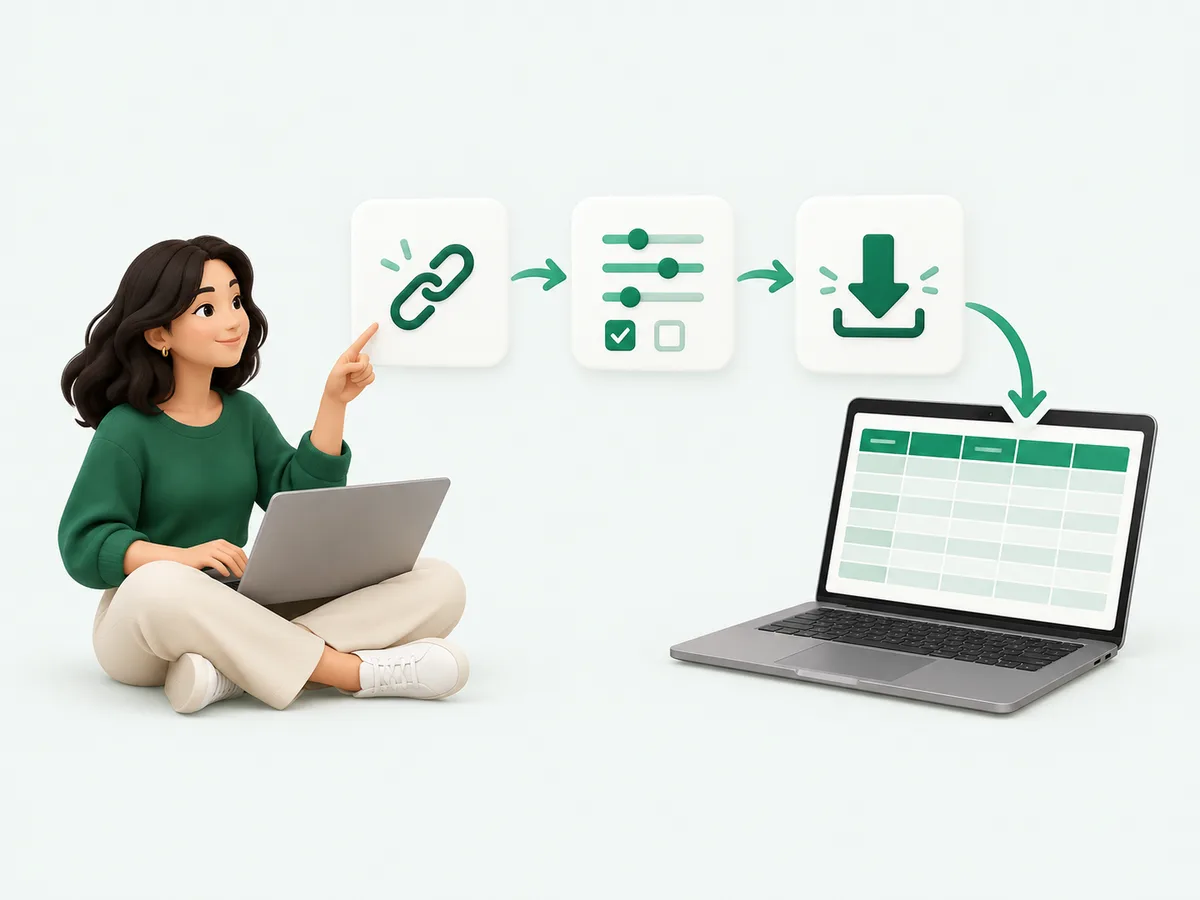
Export a TikTok follower list step by step
Exporting needs a TokViewr account, never a TikTok login. You choose how many rows you want before anything is charged, and an export that fails costs nothing.
- Enter the username above; the account opens on its Followers tab
- Press Export and sign in with Google if you have not yet
- Pick 100, 500, 1,000 or 5,000 rows and CSV or Excel
- Download the file; each row is one follower and one credit
What people do with an exported follower list
A spreadsheet of followers turns a long scroll into something you can sort and count. Brands filter it for verified accounts and well-known creators before a collaboration; researchers sample it to describe an audience; creators compare their own list with a competitor’s to find the people both accounts reach.
Because every file uses the same columns, two exports of the same account taken weeks apart can be compared line by line.

TikTok follower viewer on phone and desktop
The TikTok follower viewer works in any modern browser. On a phone, copy a profile link from the TikTok app’s Share menu and paste it above; on a computer, type the @handle. The first 60 followers load as you scroll (a one-time pack unlocks the rest), and every follower links to their own public profile so you can open any account in one tap.