TikTok Video Viewer
Paste a public video link into TokViewr’s TikTok video viewer to watch the video in your browser and read the full comment section. No TikTok account, app or extension; just a free Google sign-in.
- Free Google sign-in
- No TikTok login
- No app to install
Updated

How to use the TikTok video viewer
01Copy the video link
In TikTok, tap Share → Copy link, or copy the address from your browser. Short vm.tiktok.com links work too.
02Paste and watch
The video plays on tokviewr.com with its caption, author and engagement stats.
03Read the comments
Scroll the public comments below the player and expand any reply thread.
Watch TikTok videos without a TikTok account
The TikTok video viewer plays public videos in a plain browser player — no TikTok sign-in wall, no app download and no autoplaying feed pulling you to the next clip. Paste the link and the video starts after a quick, usually invisible human check.
You do not sign in to TikTok on tokviewr.com, so watching is not tied to an account. Only public videos can play: private, removed and region-locked posts stay unavailable.
Read the full TikTok comment section
Under the player you get the public comment section the way the app shows it: comment text, author, like count and reply total, with pinned comments marked. Press “View replies” on any comment to open its thread one page at a time.
For a comment-first page with sorting tips and troubleshooting, use the TikTok comment viewer.

What each TikTok video page shows
Click the author to open their full profile in the TikTok profile viewer, including reposts and follow lists.
| Item | Details |
|---|---|
| Player | The public video, playable in the browser |
| Author | Handle, display name and avatar, linked to the profile |
| Stats | Plays, likes, comments, shares and saves |
| Caption | The full description with hashtags |
| Comments | Public comments with likes and expandable replies |
Keep the comments in a spreadsheet
When a video’s reaction matters — a launch, a giveaway, a viral complaint — the export card beside the player saves the comments as CSV or Excel. You choose how many rows (up to 5,000) and whether to include replies. New accounts get 100 rows to start; one row costs one credit.

Why a TikTok video will not play
If the TikTok video viewer shows an error, check these first:
- The video is private, deleted or limited to followers
- The link points to a profile or sound page, not a video
- The video is a photo post: it shows its cover and opens the TikTok embed instead
- TikTok blocks the video in some regions
When a browser player beats the app
A link sent in a chat or an email should open the video, not an app-store page or a sign-up wall. The video viewer is built for that moment: one paste, one video, its comments, and nothing that pulls you into an endless feed.
It also helps on work computers where the app is not installed, on shared devices where you would rather not sign in, and when you want to check a clip before sharing it with someone else.

How to find a TikTok video link
On a phone, open the video, tap Share and choose Copy link. On a computer, open the video on the TikTok website and copy the address from the browser bar: a video link contains /video/ followed by a long number.
Short links that start with vm.tiktok.com or vt.tiktok.com work too, because TokViewr follows them to the full address. A link that ends in an @username is a profile, so it opens the profile page instead of a single video.
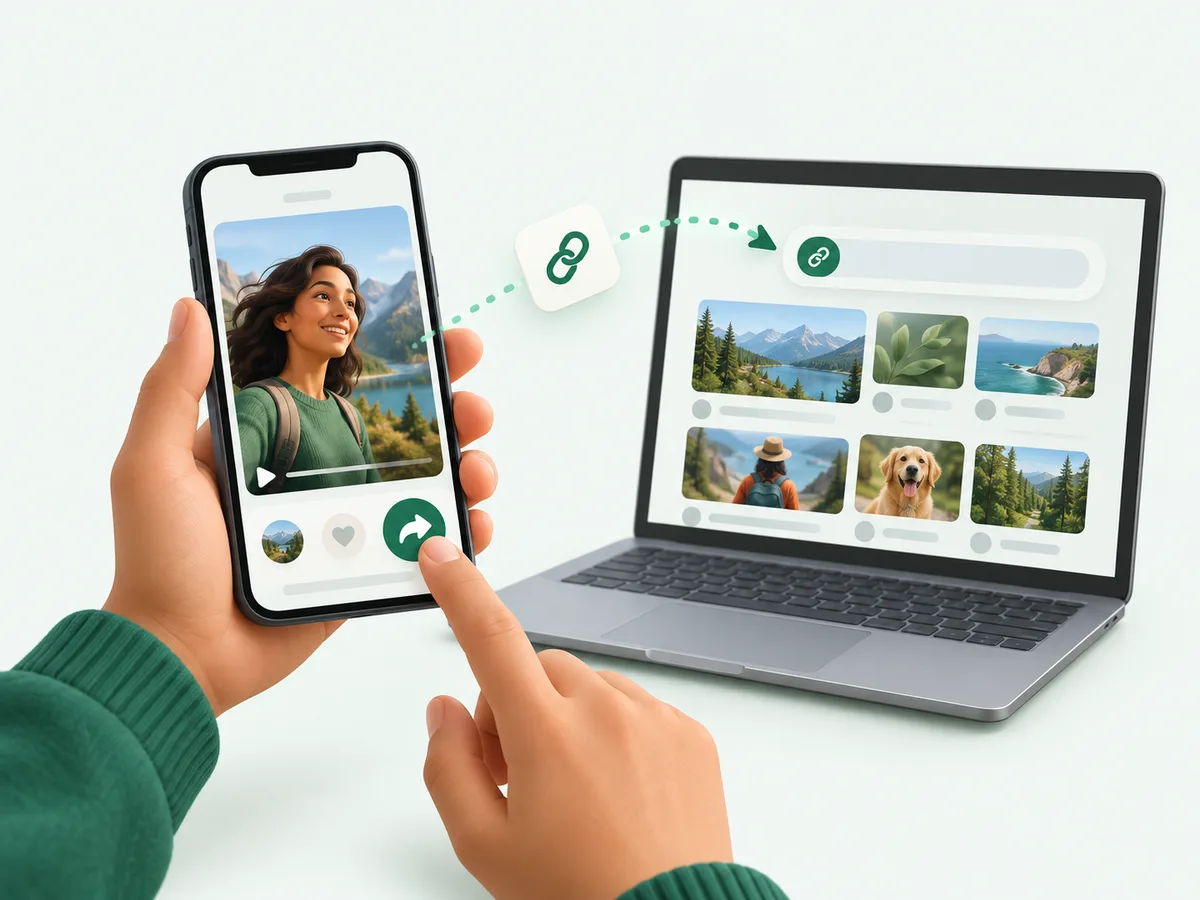
Browse a creator’s other videos
Liked the clip? Click the creator’s name under the player to open their profile, then scroll their full video grid. Every video opens in the same player with its comments, so you can move through an account without ever opening the app or signing in.
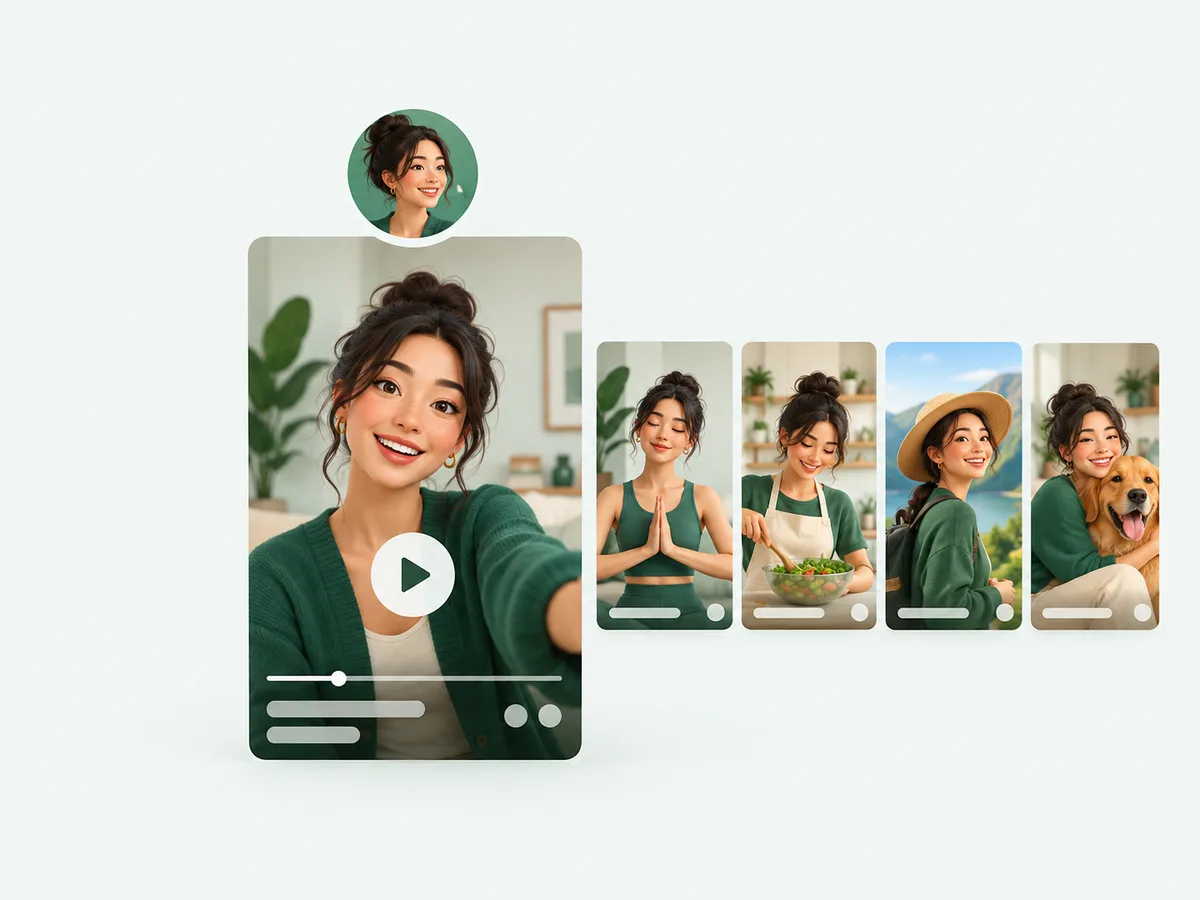
Who watches TikTok in a browser player
Plenty of people who need to see a TikTok never want the app: a teacher checking a clip a student mentioned, a manager reviewing a brand mention, a journalist verifying a video before quoting it, or someone whose phone has no space for another app.
For all of them the job is the same: open one link, watch it, read what people said underneath, and leave. The TikTok video viewer keeps it to exactly that, with no feed, no autoplay into the next clip and no account to create.