TikTok Following Viewer
Enter a username in TokViewr’s TikTok following viewer to see which accounts a public profile follows — without the app or an account.
- Free Google sign-in
- No TikTok login
- No app to install
Updated
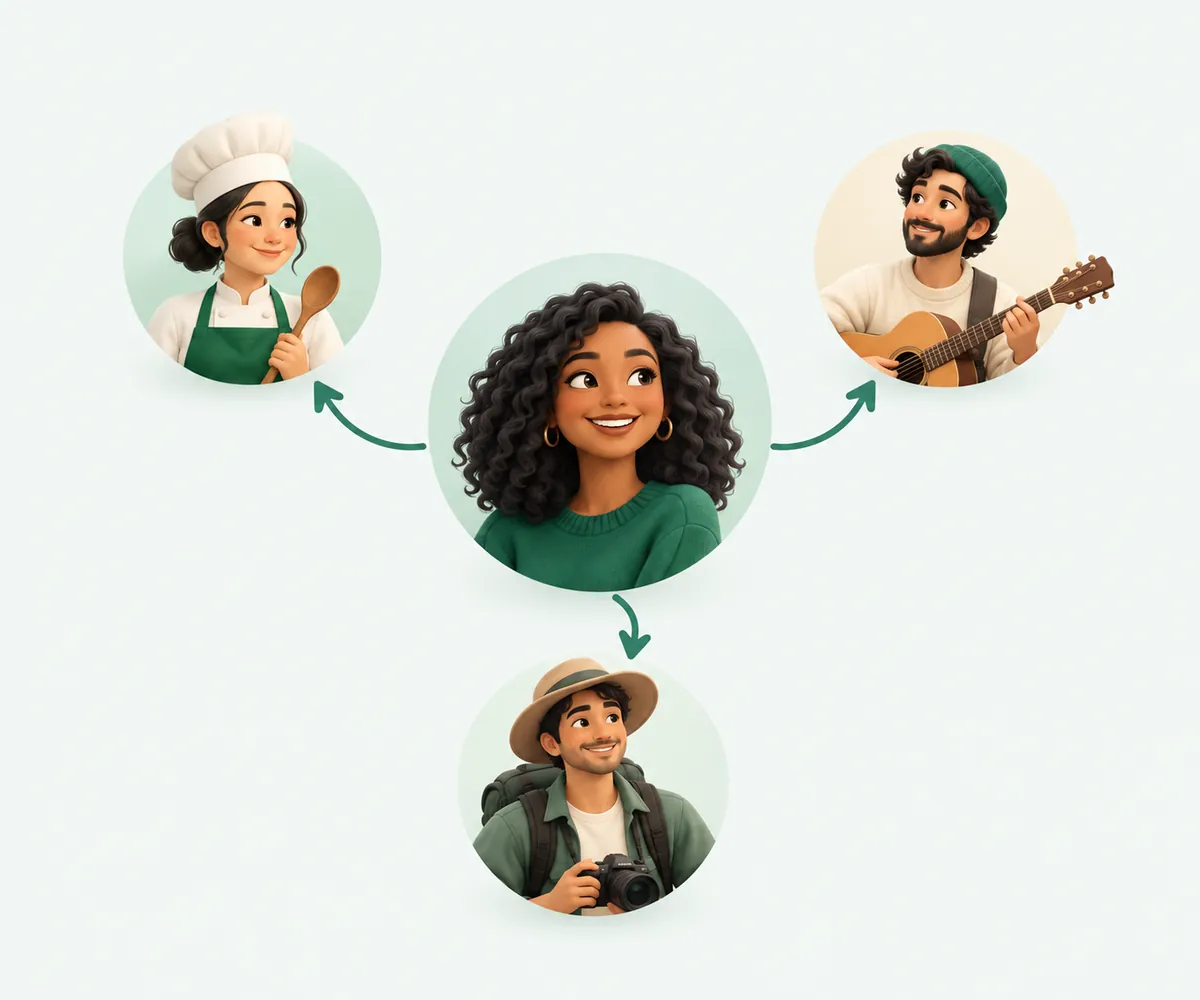
How to see who someone follows on TikTok
01Enter the username
Type the @handle or paste the profile link.
02Open the Following tab
The account opens straight on the list of accounts it follows.
03Scroll or export
The first 60 accounts load free; a one-time pack unlocks the full list and the CSV or Excel export.
See who a TikTok account follows
The TikTok following viewer lists the accounts a public profile follows — @handle, display name, avatar and verified badge — on tokviewr.com. There is no TikTok login, so checking a following list is never tied to your TikTok account.
Every account in the list links to its own profile, so you can follow the trail from one creator to the next.
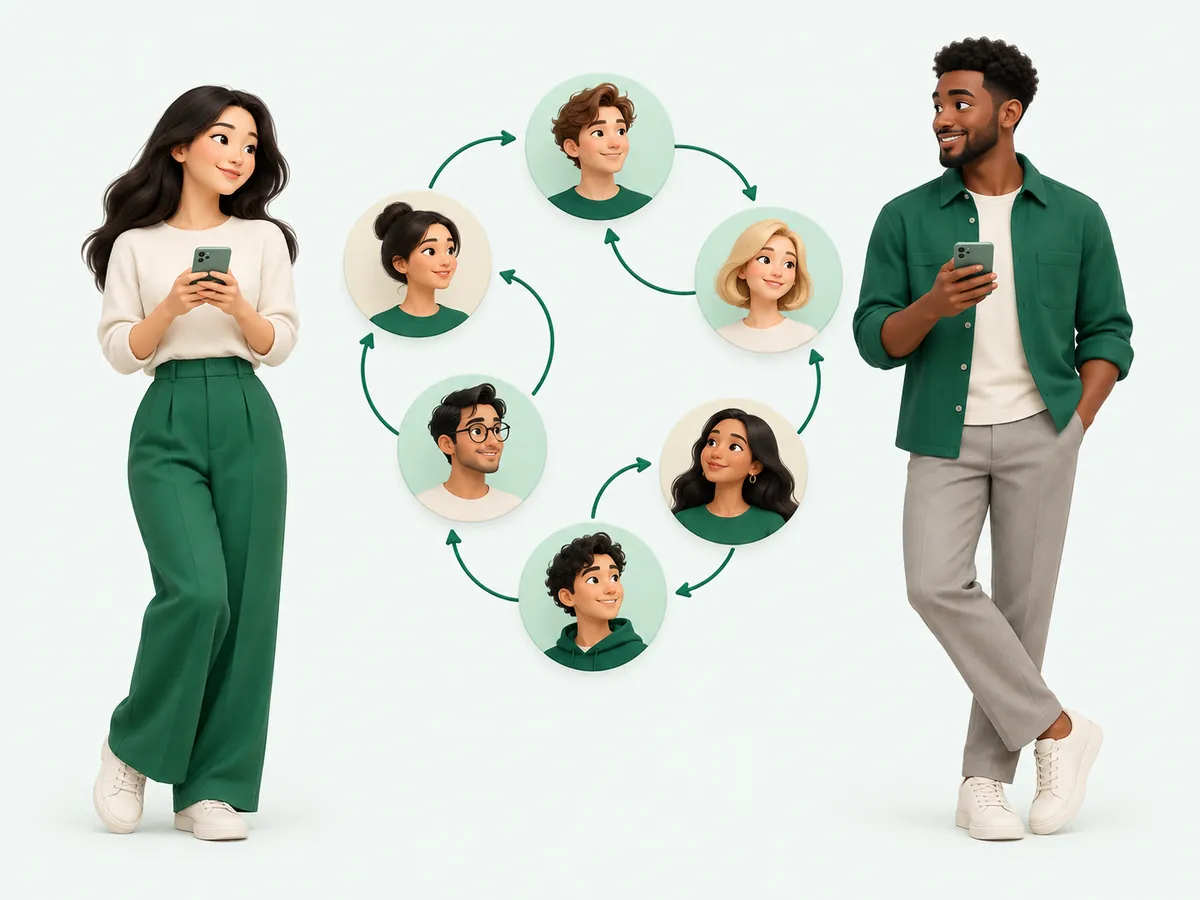
Read a TikTok niche through its network
The accounts someone follows show what they watch and who they learn from. Beauty, fitness, gaming or local business: the accounts someone follows often reveal their niche faster than their bio.
For influencer research, a network of real, active creators in one niche is a healthier signal than a random mix of giveaway and bot accounts.

Spot new TikTok connections early
New follows often come before a collaboration is announced. Check who an account follows from time to time, or export dated snapshots, and compare how the network changes around launches.
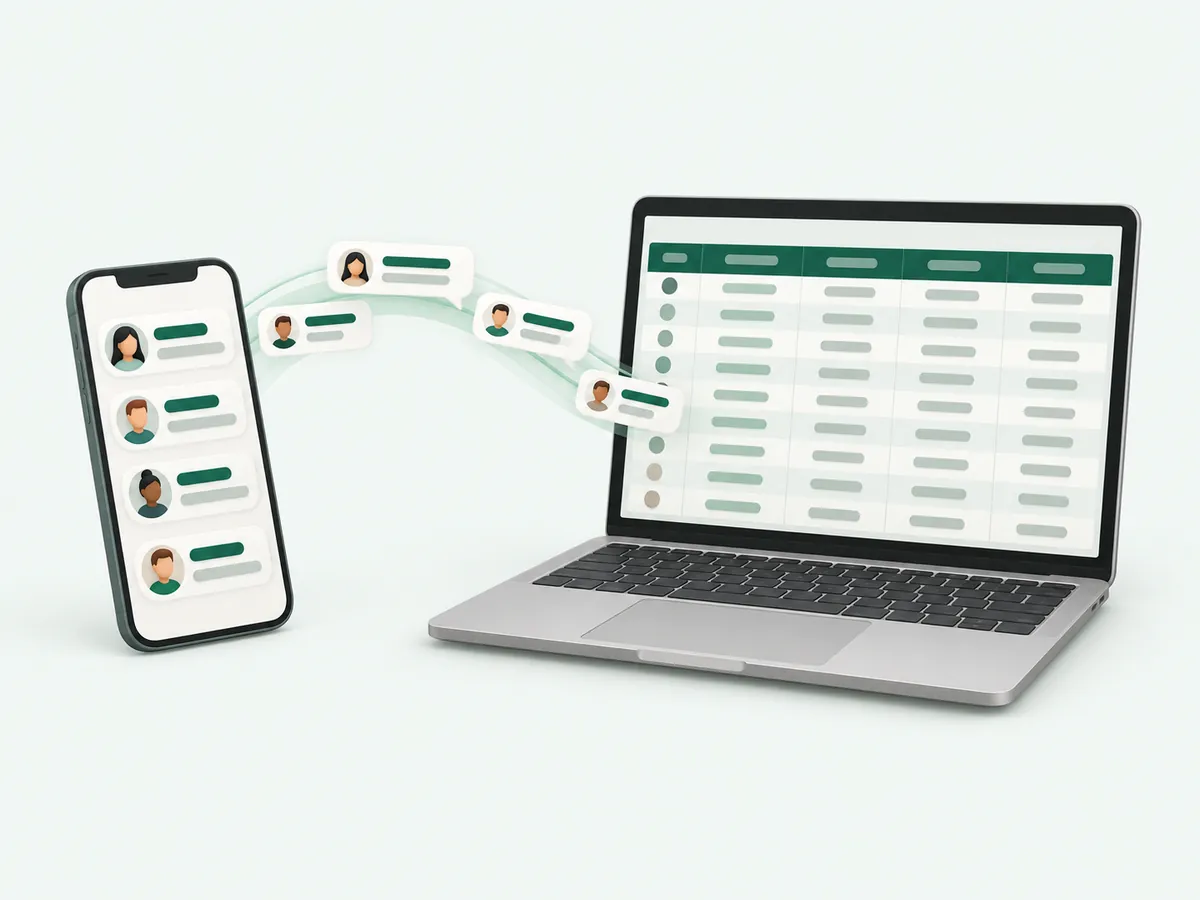
Export a TikTok following list
Sign in and press Export on the Following tab to save up to 5,000 accounts per file as CSV or Excel. One row is one account and costs one credit; a new account starts with 100 rows.
| Column | What it holds |
|---|---|
| user_id | Numeric TikTok account ID |
| handle | The @username |
| nickname | Display name |
| signature | Profile bio |
| verified | true for verified accounts |
| followers | Follower count, when TikTok returns it |
Why a following list is unavailable
Private accounts and accounts that hide who they follow have nothing public to show. Very long lists may also come back only in part. The TikTok following viewer cannot show lists TikTok keeps private.

Find out if one account follows another
Want to know whether a creator follows a specific brand or person? Open the creator’s Following tab and scroll, or export the list and search it in a spreadsheet, which is faster for accounts that follow thousands of people.
Remember that unfollowing is instant and not announced, so a list only shows the network at the moment you load it.
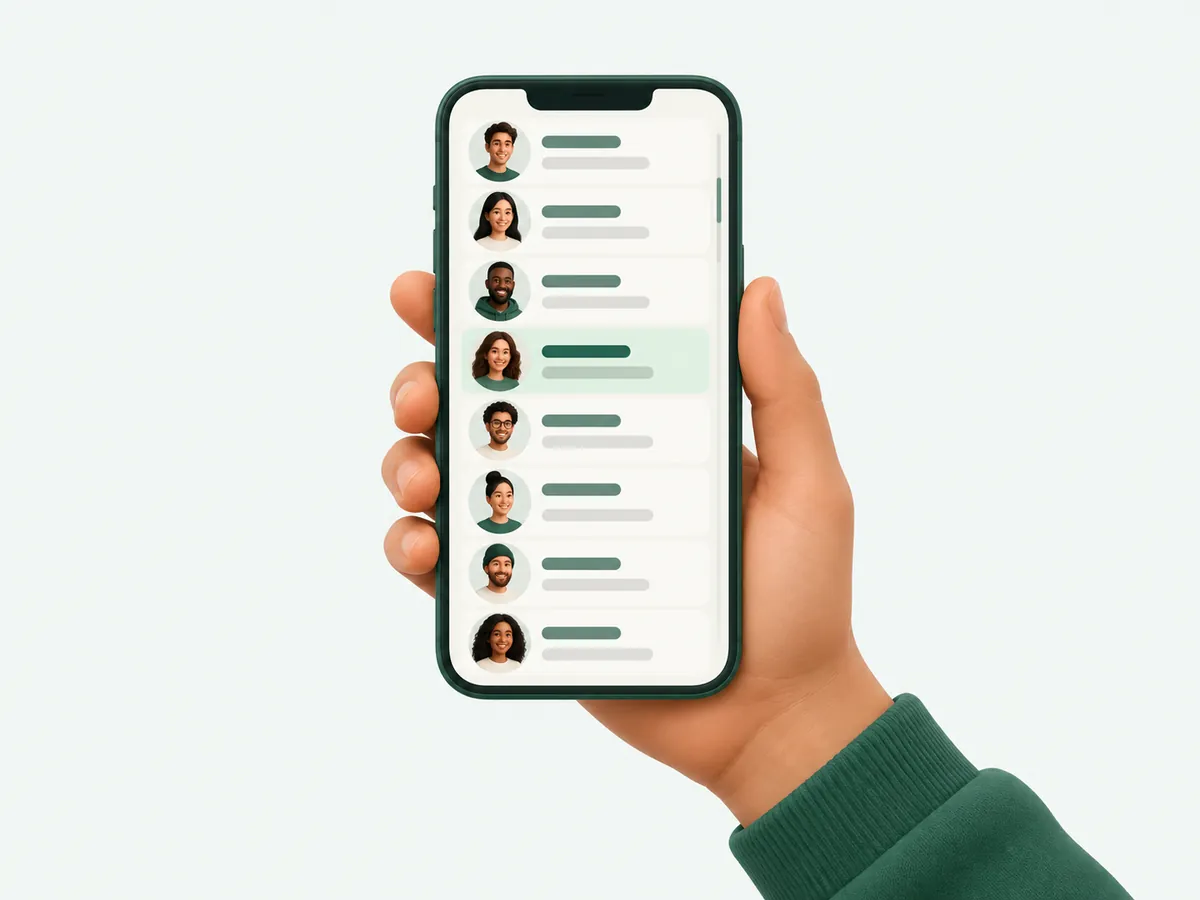
Use a following list for creator research
The accounts a successful creator follows are a shortcut to their niche. Open one creator you like, check who they follow, and you usually find more creators in the same space, the brands they work with and the people they learn from.
Export the list as CSV or Excel, then sort by follower count or verified status to build a shortlist for outreach or competitor research.

Following vs friends on TikTok
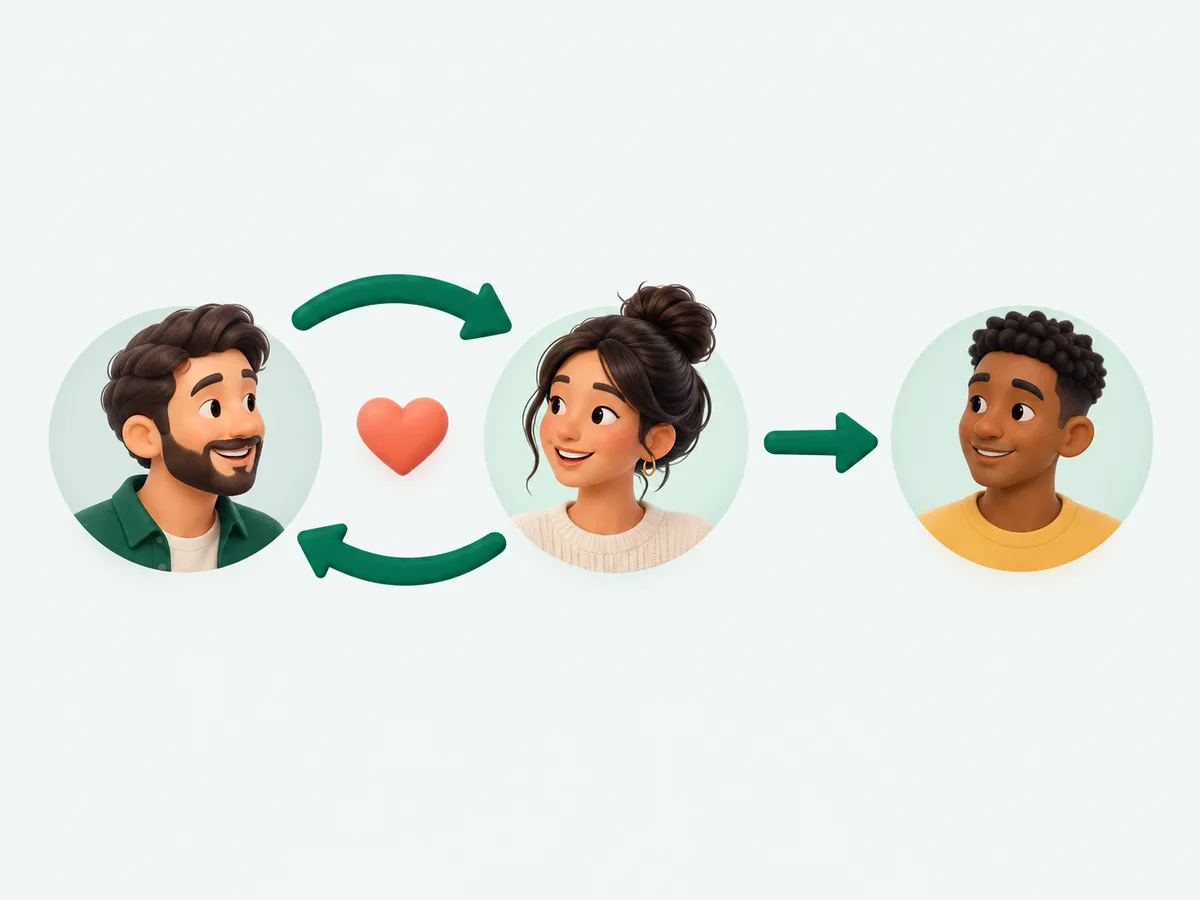
TikTok calls two accounts friends when they follow each other. The app has a Friends tab, but there is no public friends list for other people’s accounts. You can still work it out: open the Following tab and the Followers tab of the same profile, and the handles that appear in both lists are mutual follows.
For big accounts this is faster in a spreadsheet: export both lists and match the handle column.
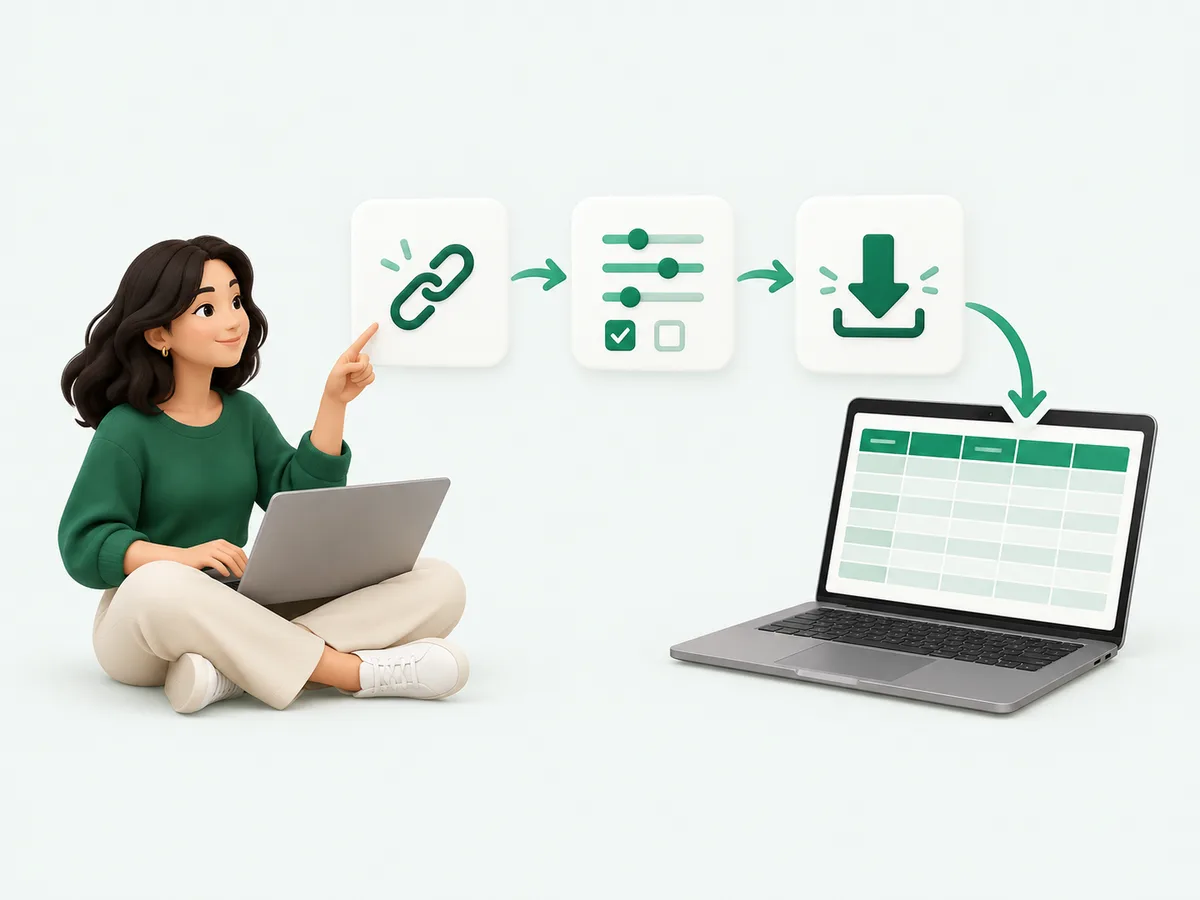
Export a TikTok following list step by step
You need a TokViewr account (Google sign-in), never a TikTok login. Rows are only charged when they land in your file.
- Enter the username above; the account opens on its Following tab
- Press Export and sign in if asked
- Pick the number of rows and CSV or Excel
- Download the file: one followed account per row
TikTok following viewer on phone and desktop
The TikTok following viewer works in Safari, Chrome and other browsers on any device. Paste a profile link from the TikTok app or type the @handle; the account opens on its Following tab and the first 60 accounts load as you scroll; a one-time pack unlocks the rest. Tap any account in the list to open its profile, reposts and lists in turn.