
How to See Someone’s TikTok Followers Without an Account
See anyone’s TikTok followers and following lists in a browser without an account, and export them to a spreadsheet when you need one.
By the TokViewr team ·
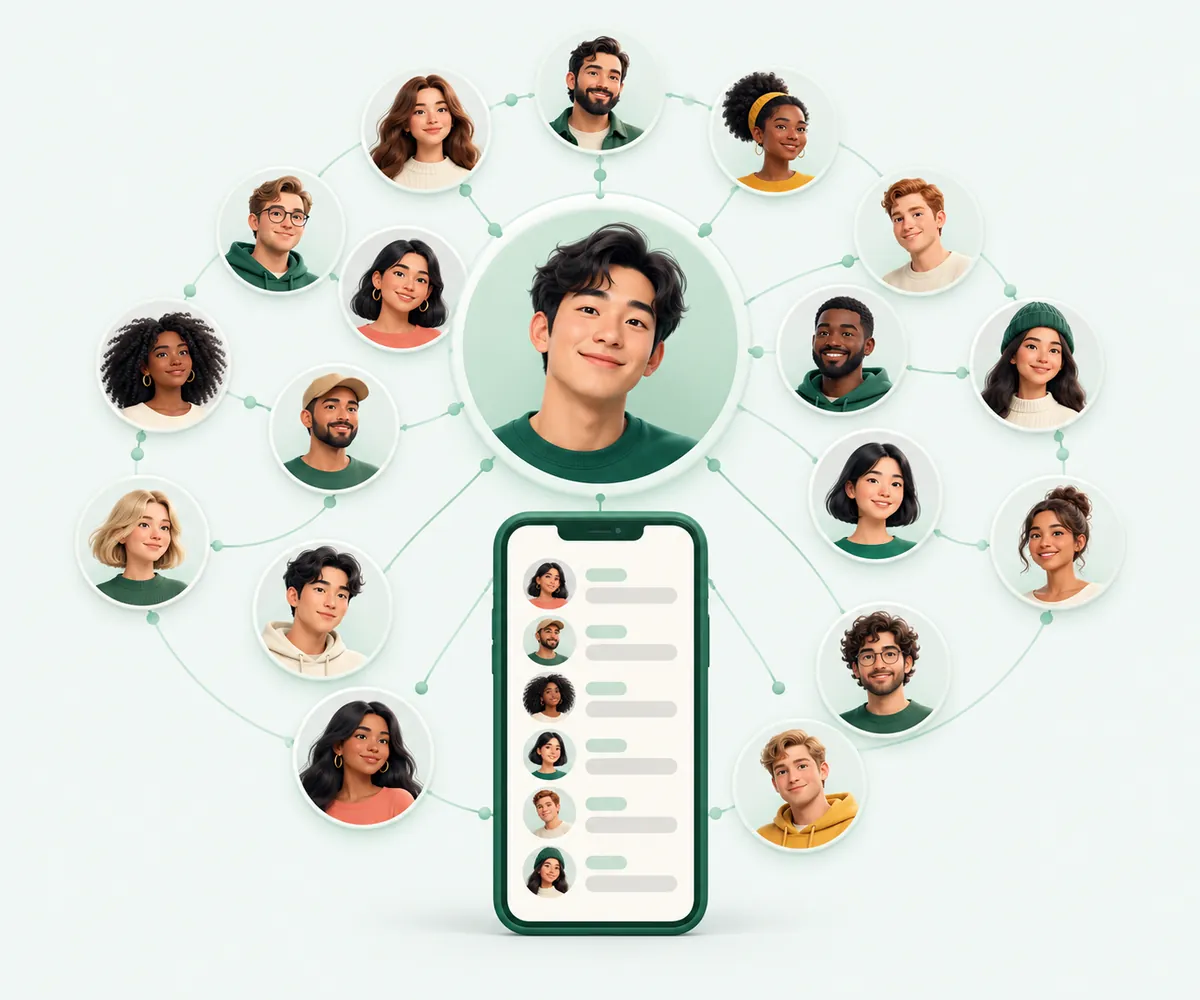
On the TikTok website, tapping a follower count usually opens a sign-in prompt instead of the list of TikTok followers. If you just want to see who follows a creator, or who that creator follows, you do not need a TikTok account for it. This guide shows how to open both lists in a browser with the TikTok follower viewer and the TikTok following viewer on tokviewr.com.
What you can see
For any public profile you can open two lists:
- TikTok followers: the accounts that follow it.
- TikTok following: the accounts it follows.
Each row shows the account's profile picture, @username, display name and verified badge, and links to that account's own profile, so you can keep exploring. The lists come from TikTok's public data at the moment you open them.
What you cannot see: the lists of private accounts, and the following list of an account that has hidden it in its privacy settings. Nobody outside the account can see those, on TokViewr or anywhere else.
Step 1: Enter the username
Open the TikTok follower viewer and type the @username, or paste the profile link from the TikTok app (Profile → Share → Copy link). A quick human check may appear before the first result; for most people it passes on its own.
Step 2: Open the TikTok followers or following tab
The account opens with its exact stats and tabs for Videos, Reposts, Stories, Following and Followers. Pick the tab you want. On the following viewer the account opens on the Following tab directly.
Step 3: Scroll the list
Scroll down to load more accounts. Without a pack, the free list shows the first 60 TikTok followers or followed accounts; any one-time pack unlocks every page of follower, following and comment lists on every account.
Will the person know?
TokViewr does not notify anyone, and you are not signed in to TikTok while you use it, so viewing someone's TikTok followers is not tied to your own profile. As with any website, that is not the same as being untraceable on the internet; it means the account owner gets no alert from TokViewr and your TikTok profile is not involved.
Export the list to CSV or Excel
When the list has loaded, an Export list button appears above it. Sign in to TokViewr (with Google, no TikTok login) and choose:
- the number of accounts, up to 5,000 per file;
- CSV or Excel (.xlsx).
Each exported account costs one credit. New TokViewr accounts start with 100 credits, valid for 30 days; one-time packs start at $19.99 for 25,000 credits that never expire. A failed export costs nothing.
The file has the same columns every time:
| Column | What it holds |
|---|---|
user_id | Numeric TikTok account ID |
handle | The @username |
nickname | Display name |
signature | Profile bio |
verified | true for verified accounts |
followers | Follower count, when TikTok returns it |
What people use the lists for
- Influencer research: check whether a creator's TikTok followers look like real people in your audience before a campaign.
- Competitor research: see which creators a competing brand follows and works with.
- Finding creators: a strong creator's following list is often a ready-made list of similar creators.
- Your own profile: export your TikTok followers to keep a record outside the app.
Why a list can look shorter than the count
The follower number on a profile is TikTok's total. The list itself can be shorter: TikTok leaves out accounts that were banned or deleted, and for very large accounts TikTok may not return the whole list. The export contains the accounts TikTok actually returns.
Common questions
Can I see TikTok followers of a private profile? No. Only the account and its approved followers can see those lists.
Why can't I see who someone follows? They have hidden their following list in TikTok's privacy settings, or the account is private.
Does this work on a phone? Yes. Both viewers work in any modern mobile browser, and the export downloads to your phone's Files or Downloads folder.
Can I see who unfollowed me? Not directly. Export your TikTok followers now and again later, and compare the two files.
See anyone's TikTok followers with the TikTok follower viewer.