
Who Can See Your Reposts on TikTok?
Anyone if your account is public, only followers if it is private. Where reposts on TikTok show up, who can reply, how to remove one and how to check reposts.
By the TokViewr team ·
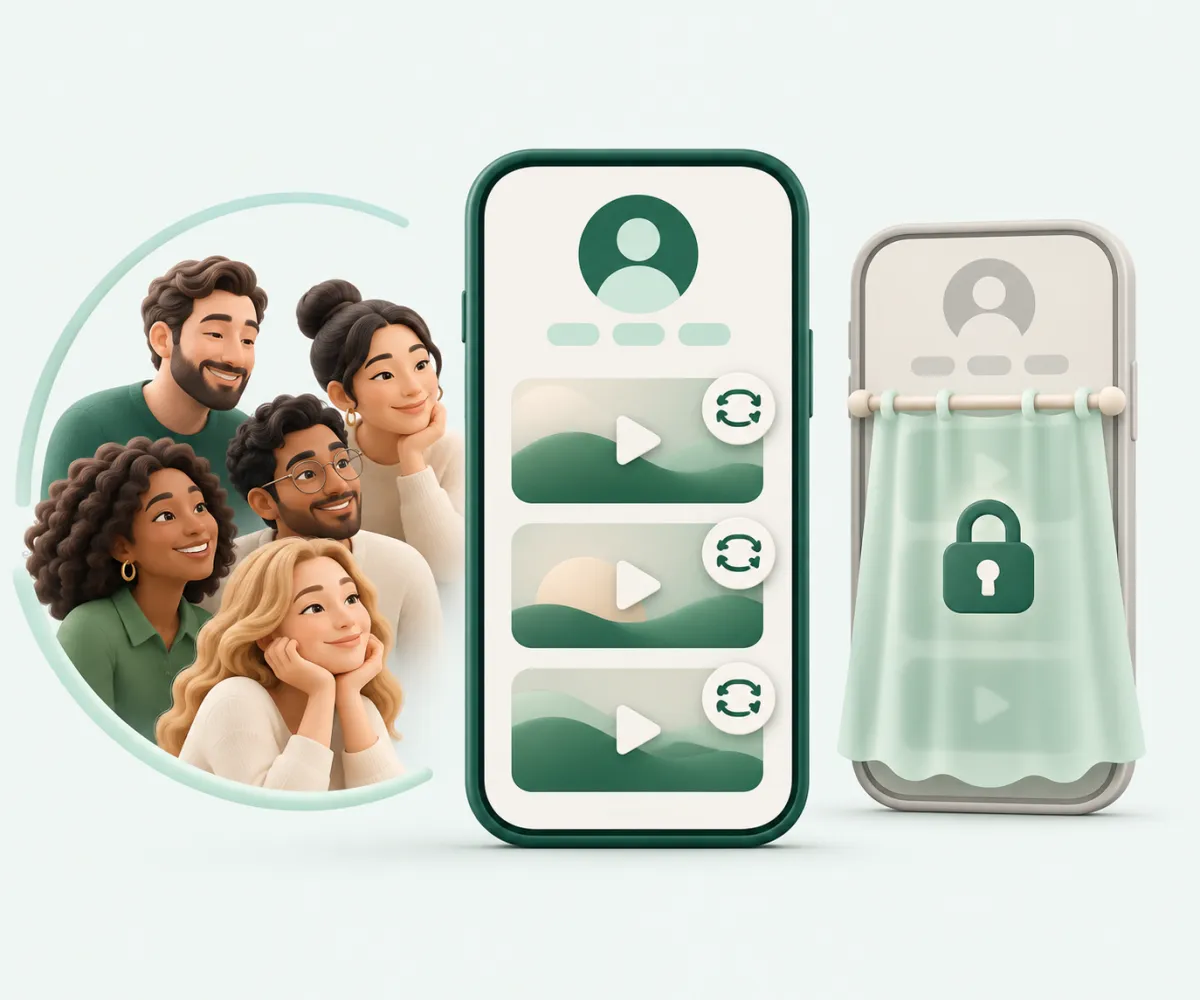
If your account is public, anyone can see your reposts on TikTok: they sit in the Reposts tab of your account, and TikTok also shows them in your friends' and community's For You feed with your photo and nickname on them. If your account is private, only your followers can see your reposts on TikTok, in that tab and in their feed. To take one back, remove the repost; TikTok keeps no list of who looked at someone's reposts. Below is what TikTok's help center says about each part (checked November 5, 2026), and how to check what an account has reposted with the TikTok repost viewer.
Source: TikTok Help Center, Repost.
Reposts on TikTok: public vs private accounts
| Your account | Who sees your reposts on TikTok | Where |
|---|---|---|
| Public | Anyone who opens your account, plus friends and community | Reposts tab; their For You feed |
| Private | Only your followers | Reposts tab; their For You feed |
Reposting is not a quieter way to share: on a public account, reposts on TikTok are as visible as your own videos, only in a different tab.
Where reposts on TikTok show up
A repost shares someone else's video with the people around you without adding it to your own videos grid. It appears in two places:
- The Reposts tab of your account. This is where your reposted videos collect.
- Other people's For You feed. A repost looks like any other video there, but carries a repost label with your photo and nickname.
That label is why a repost is a more public act than a like: it puts your name on the video in someone else's feed.
Who can reply to reposts on TikTok
Anyone who can see a repost can reply to it, and TikTok points out that your comment privacy settings do not apply to repost replies. If you have limited who can comment on your own videos, that limit does not cover replies to your reposts. To delete a reply, open the reposted video, tap your photo at the bottom, then press and hold the reply and delete it.
How to remove reposts on TikTok
There are three ways to undo a repost in the TikTok app:
- Open the video, tap Share, then Delete repost.
- Press and hold the video, then tap Remove repost.
- Tap your photo at the bottom of the video, then Remove.
Removing a repost also deletes every reply to it. TikTok's help article only describes removing reposts on TikTok one video at a time.
Can people tell you looked at their reposts on TikTok?
TikTok's help center describes no list of who looked at a person's reposts. But the Reposts tab is part of the account page, so opening it in the app means visiting that account, and a visit is visible when you both have profile view history turned on. How that setting works is explained in our guide to TikTok profile visits.
How to see someone's reposts on TikTok without visiting their account
The TikTok repost viewer on tokviewr.com opens an account's public reposts in your browser:
- Enter the @username or paste the account link.
- The account opens on its Reposts tab, with each reposted video credited to the creator who originally posted it.
- Tap a repost to watch it with its comments.
TokViewr never signs in to TikTok with your account, so checking someone's reposts there is not a visit from you and cannot appear in their profile view history. TokViewr does not notify anyone. You sign in to TokViewr itself with Google; viewing is free with 100 views a day. A private account's reposts are only visible to its followers, so TokViewr cannot show them.
Why you might not see someone's reposts on TikTok
- The account is private and you do not follow it.
- The account has not reposted anything, or removed its reposts.
- The reposted video is gone. A video its creator deleted or made private is no longer public, so it cannot be shown as a repost.
Common questions
Can strangers see my reposts on TikTok? Yes, if your account is public. Only followers can, if it is private.
Do my reposts show up in other people's For You feed? They can. TikTok shows reposts to your friends and community in their For You feed, labeled with your photo and nickname.
Can I hide my reposts without deleting them? TikTok's repost help article offers two levers: make your account private, which limits reposts to followers, or remove the repost.
Does deleting a repost delete the replies? Yes. All replies to that repost are deleted with it.
Will someone know if I check their reposts? TikTok documents no alert for that. In the app, opening their account counts as a profile visit if you both have profile view history on; on TokViewr it does not.
Want to check an account's reposts? Enter a username in the TikTok repost viewer.
More guides
- Can Someone See If You Viewed Their TikTok Profile?
- Can Someone See If You Viewed Their TikTok Video?
- Can Someone See If You Viewed Their TikTok Story?
- How to Pick a Winner From TikTok Comments
- How to Export TikTok Comments to CSV or Excel
- How to See Someone’s TikTok Followers Without an Account
- How to Read TikTok Comments Without Logging In
- How to Download All TikTok Videos From an Account at Once